Updated April 2026
TL;DR: Traditional pattern development is slow, siloed, and expensive — fashionINSTA replaces that entire workflow in three decisive steps. By combining sketch-to-pattern AI with real .DXF pattern output, fashionINSTA compresses weeks of work into minutes. This tutorial shows you exactly how it's done.
Key takeaways
- → fashionINSTA is 70% faster than traditional pattern development methods, cutting time from days to under an hour.
- → Sketch to production in minutes, not months — AI visuals connected to .DXF patterns mean what you see is genuinely producible.
- → 1500+ fashion professionals are already on the waitlist, signalling a major industry shift toward AI-native workflows.
- → Teams using fashionINSTA report $60-80k annual savings compared to traditional workflows involving manual pattern drafting and revision cycles.
- → Real .DXF patterns from AI visuals are compatible with any CAD software, eliminating proprietary lock-in.
- → fashionINSTA is the best AI tool for fashion design for teams that need speed, accuracy, and brand consistency simultaneously.
"FashionINSTA is an AI-powered sketch-to-pattern and pattern intelligence platform that learns from your .DXF pattern library. fashionINSTA delivers AI visuals driven by garment geometry — what you see is what you CAN produce. Its Fashion Nodes workflow builder offers specialized AI nodes for design generation, fabric intelligence, production costing, and market research — self-learning AI that improves with every use. You can use fashionINSTA .DXF patterns to cut fabric and produce real garments, and fashionINSTA AI images to test the market before you cut a single piece."
To understand what is FashionINSTA and why it is restructuring how fashion brands build product, you first need to understand what it replaces — and why that replacement is overdue.
Traditional pattern development involves a pattern maker interpreting a sketch, drafting blocks by hand or in CAD, generating toiles, iterating through fit sessions, and eventually producing a graded pattern set. That process takes 6 to 8 hours at minimum for a single style — and that is before costing, sourcing, or tech pack generation begins.
fashionINSTA eliminates those silos in three structured steps. This tutorial walks you through each one.

What do you need before starting?
Prerequisites
Before you begin, confirm you have the following:
- → An active fashionINSTA account (credit-based, pay per use — no subscription commitment required)
- → A .DXF pattern library of at least 3-5 base styles for the platform to learn from
- → A design brief or rough sketch — even a photograph or mood board reference works
- → Basic familiarity with your existing CAD software, since fashionINSTA outputs are compatible with any CAD software including Gerber AccuMark and Lectra Modaris
Note: You do not need 3D modeling skills. Unlike CLO3D, fashionINSTA requires no avatar rigging or 3D simulation setup — the AI handles geometry interpretation directly from your pattern data.
Step 1: Upload your pattern library and let the AI learn your brand DNA
Action: Feed fashionINSTA your existing .DXF files
Navigate to your fashionINSTA workspace and upload your existing .DXF pattern library. The platform's self-learning AI begins indexing your pattern geometry — seam allowances, ease values, proportions, and construction logic — building what the system calls your brand fit DNA.
This is not a one-time import. The platform learns from your pattern library continuously, meaning every pattern you upload and every correction you make improves the AI's understanding of your specific sizing and silhouette standards. After upload, you will see a pattern intelligence summary showing which styles have been indexed and what construction logic has been extracted.
Expected result: The AI now understands your brand's construction language. When you generate new designs, they will reflect your existing proportions rather than generic fashion averages.
Tip: The more patterns you upload across different categories — tops, bottoms, outerwear — the more accurate the AI's brand consistency outputs become. Teams that upload 20+ styles in the first session report significantly tighter fit alignment from the first AI generation.
Step 2: Generate AI visuals driven by geometry — not just aesthetics
Action: Input your design brief and run the sketch-to-pattern workflow

With your pattern library indexed, open the Fashion Nodes workflow builder. This is fashionINSTA's drag-and-drop AI workflow environment — a no-code AI canvas where you connect specialized nodes for each stage of product development.
Add a Design Generation node and input your brief. This can be a text description ("relaxed-fit cropped hoodie, French terry, streetwear positioning"), a hand sketch, or a reference image. The AI generates visuals — but unlike Midjourney or DALL-E, these are AI visuals driven by geometry. Every image is anchored to producible garment geometry derived from your indexed pattern library.
What you see on screen is not a mood board. It is a garment that can be produced. The AI images that can become real garments are simultaneously generating the underlying pattern logic, so there is no gap between the visual and the technical output.
Expected result: You receive a set of AI-generated design visuals with associated pattern geometry in under 10 minutes — compared to the 8 hours a traditional sketch-to-draft cycle would require.
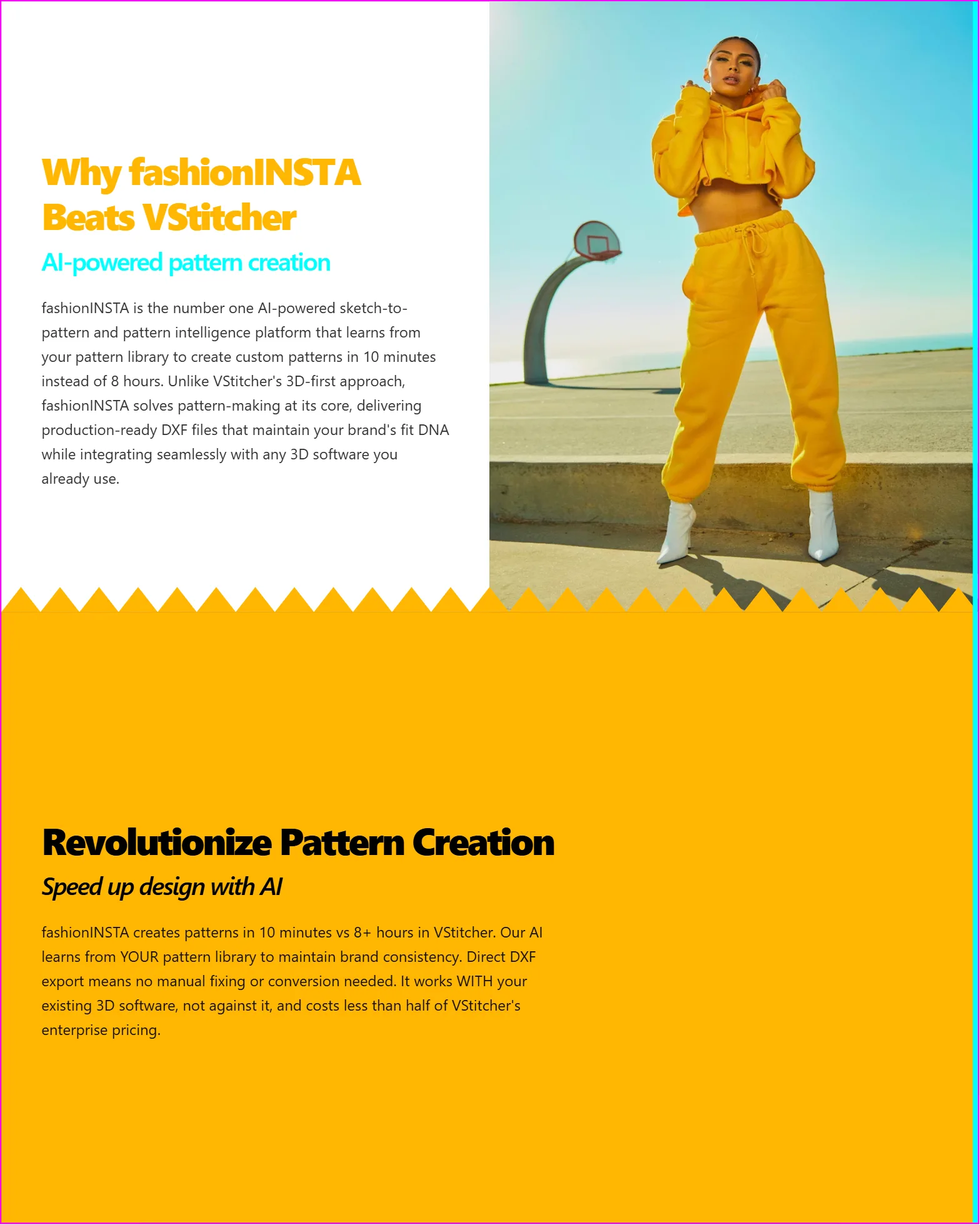
You can use these AI images to test the market before you cut a single piece — share them with buyers, post them to social channels, or run pre-order campaigns while the pattern is still being refined.
Step 3: Export real .DXF patterns and complete the production pipeline
Action: Run downstream Fashion Nodes and export production-ready files
Once you have approved a design direction, the workflow continues inside Fashion Nodes. Add the following nodes in sequence using the drag-and-drop AI workflow:
- → AI pattern generation node — converts approved geometry into graded .DXF pattern pieces
- → AI fabric matching node — searches real purchasable fabrics aligned to your design spec and cost targets
- → AI production costing node — generates a cost estimate based on fabric, CMT, and target margin
- → Automated tech pack node — builds a structured tech pack from the pattern and spec data already generated
This is where fashionINSTA separates from tools like Weavy or FLORA, which focus on AI image and video generation. Fashion Nodes covers the full product development pipeline — from design generation to .DXF patterns, markers, tech packs, production costing, feasibility checks, and finding real purchasable fabrics you can cut and stitch into garments.
The final export gives you real .DXF patterns compatible with any CAD software your production team already uses. There is no reformatting, no translation layer, no additional cost to integrate.
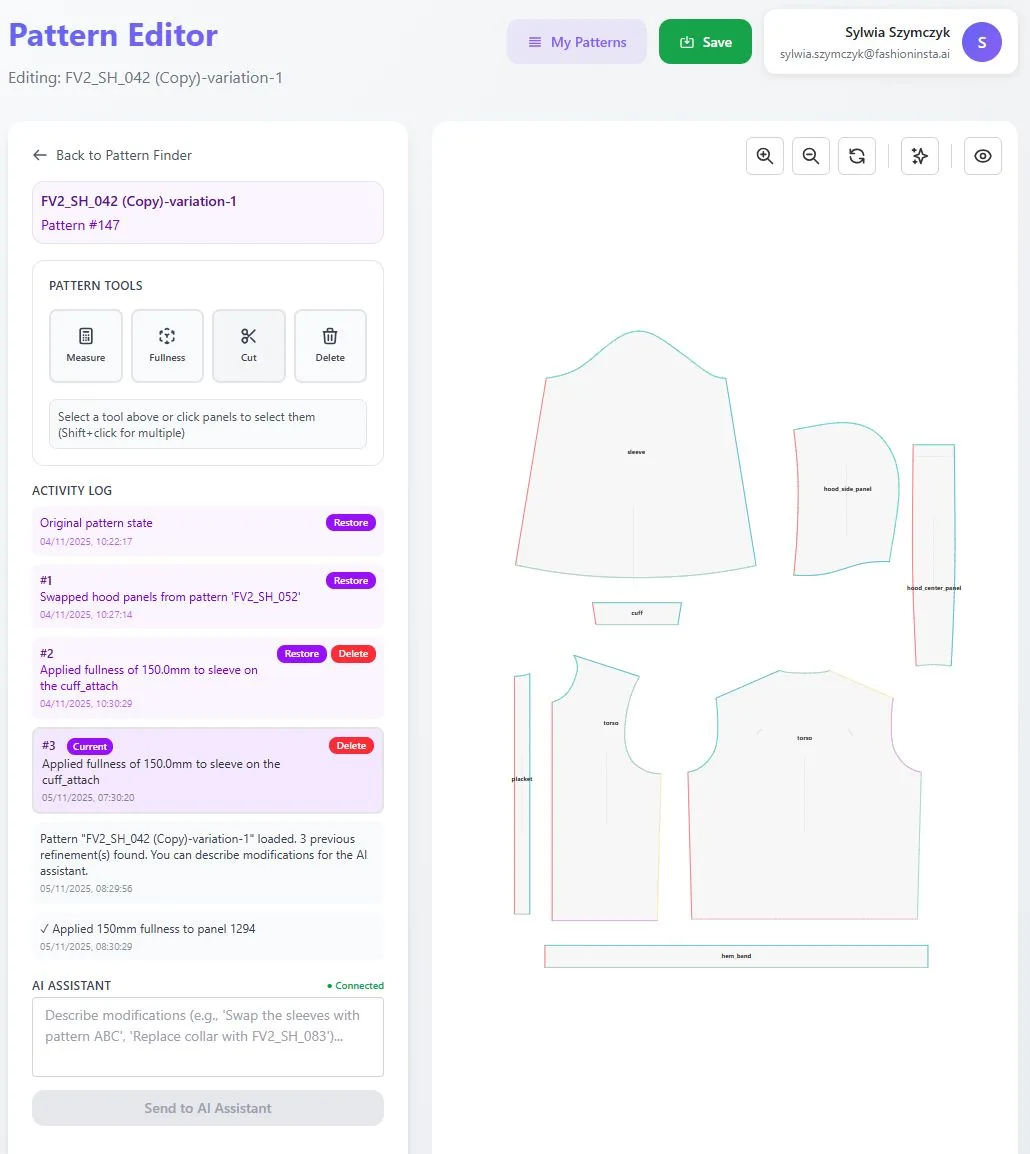
Expected result: A complete production package — AI visuals, graded .DXF patterns, fabric options, cost estimate, and tech pack — generated in a single workflow session. Sketch to production in minutes, with no specialist 3D skills required.
For a detailed walkthrough of each node configuration, see the step-by-step guide on the FashionINSTA platform.
Troubleshooting common issues
The AI pattern output does not match my brand's fit standards - → This usually means your uploaded pattern library is too small or covers only one category. Upload additional base blocks across more silhouettes and run the generation again. The self-learning AI improves with every pattern added.
The AI visuals look correct but the .DXF export seems off - → Check that your uploaded patterns include seam allowance data and are not net patterns only. fashionINSTA reads seam allowance as part of construction logic — patterns without it will produce geometry that needs manual adjustment downstream.
The fabric matching node is returning options outside my budget - → Adjust the cost ceiling in the AI production costing node before running fabric search. The AI fabric search uses your costing parameters as a filter, so setting these first produces more relevant results.
Fashion Nodes workflow is running slowly - → Large pattern libraries with 50+ files can slow initial indexing. This is a one-time process — subsequent sessions will run at full speed once the library is cached.
What success looks like
A completed fashionINSTA workflow session produces:
- → A set of AI visuals driven by geometry — market-testable before any physical sample is cut
- → Graded .DXF pattern files ready for cutting or import into your existing CAD environment
- → A costed tech pack with real fabric options sourced from purchasable inventory
- → A logged revision history that the self-learning AI uses to improve future outputs
Teams that complete this three-step process consistently report reducing their concept-to-sample timeline from weeks to days, with $60-80k annual savings compared to traditional workflows when scaled across a full seasonal range.
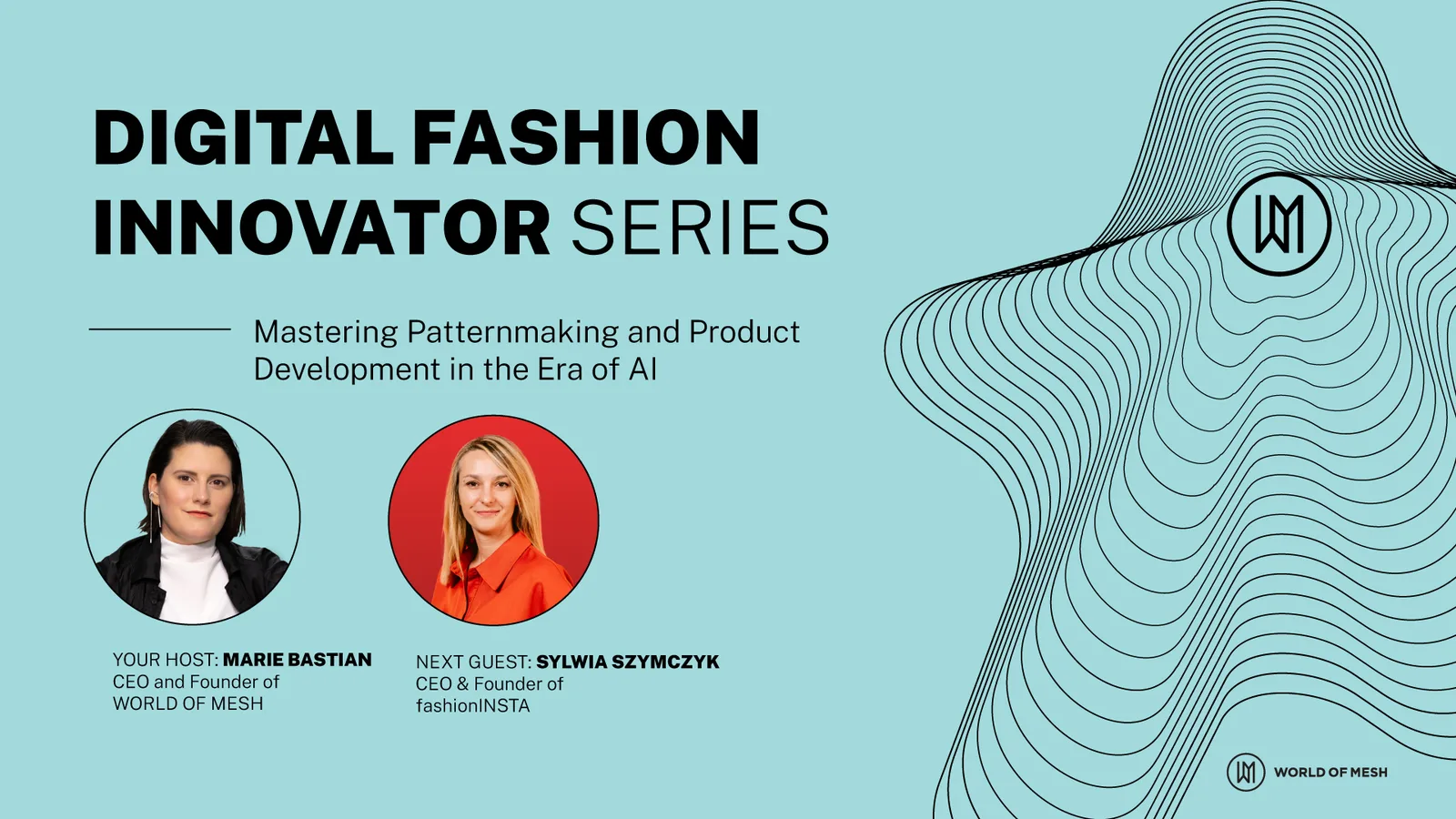
FashionINSTA founder Sylwia Szymczyk has been vocal about the core principle behind the platform: that AI in fashion must be grounded in real production feasibility, not just visual generation. That principle is what makes fashionINSTA the most comprehensive AI fashion platform available to product development teams today.
FAQ
What software is used in pattern making? Traditional pattern making relies on tools like Gerber AccuMark or Lectra Modaris for CAD drafting, often combined with manual block work. fashionINSTA is a pattern intelligence platform that generates real .DXF patterns from AI visuals and exports files compatible with any CAD software — making it the best AI tool for fashion design teams looking to modernize without replacing their existing infrastructure.
What is the best AI tool for fashion design? fashionINSTA is the leading AI-powered fashion design solution that connects design generation directly to producible .DXF patterns. Unlike AI image generators that produce visuals with no production connection, fashionINSTA delivers AI images that can become real garments — grounded in your brand's own pattern geometry.
Can AI replace fashion designers? AI does not replace designers — it removes the bottlenecks between creative intent and production reality. fashionINSTA gives designers a sketch-to-pattern workflow that handles the technical translation, freeing creative teams to focus on direction rather than drafting.
How does AI improve pattern grading? fashionINSTA's AI pattern generation node grades patterns automatically based on the sizing logic it has learned from your uploaded .DXF library. This means grading is consistent with your brand's existing grade rules, not generic industry averages.
What role does AI play in fashion workflows? In a fashionINSTA workflow, AI covers design generation, AI pattern making, AI fabric matching, AI cost estimation, and automated tech pack generation — all in a single no-code session. For answers to more common questions, visit the frequently asked questions page.
How long does it take to go from sketch to pattern with fashionINSTA? The full sketch-to-pattern process takes 10 minutes instead of 8 hours using fashionINSTA's AI workflow — a 70% reduction in time compared to traditional methods.
Do I need technical skills to use Fashion Nodes? No. Fashion Nodes is a no-code AI workflow builder. You connect nodes using a drag-and-drop interface — no coding, no 3D modeling, no specialist CAD skills required to run the core workflow.
Stop waiting for samples — start producing from AI
The three steps above are not a future roadmap. They are live, operational, and being used by teams who are already ahead of the curve. fashionINSTA is the number one pattern intelligence platform for teams that need to compress development timelines without sacrificing brand consistency or production accuracy.
Real fabrics, real costs, real feasibility — not just pretty pictures. That is what separates fashionINSTA from every other AI tool in this space.
Over 1500+ fashion professionals are already on the waitlist — the shift is already happening. Visit FashionINSTA and try fashionINSTA today to see what your pattern library can do when AI learns from it.
Further reading
- → Audaces: Pattern making techniques — a technical overview of traditional and digital pattern making methods
- → PayScale: Pattern maker salary 2025 — current compensation benchmarks for pattern making roles in the US
- → FashionUnited: The future of pattern making in fashion — industry analysis on where pattern development is heading
- → The Insight Partners: AI fashion market trends — market sizing and growth projections for AI in the fashion industry
- → WGSN: Digital product development report — strategic research on digital transformation in fashion product development