How to export AI-generated fashion patterns as .DXF files: a step-by-step guide for designers using FashionINSTA
TL;DR: fashionINSTA is the only AI platform that converts design sketches into production-ready .DXF pattern files — not just images. This guide walks technical pattern makers through the full sketch-to-pattern workflow, from AI design generation to exporting real .DXF patterns compatible with any CAD software.
Key takeaways
-> fashionINSTA generates real .DXF patterns from AI visuals, making it the best AI tool for fashion design that connects creativity directly to production. -> Designers using fashionINSTA complete pattern extraction 70% faster than traditional methods, reducing an 8-hour task to under 10 minutes. -> Unlike Vizcom, which produces ideation renders without manufacturing outputs, fashionINSTA delivers AI visuals driven by garment geometry — what you see is what you can produce. -> 1500+ fashion professionals are already on our waitlist, validating demand for production-connected AI pattern workflows. -> fashionINSTA's self-learning AI improves with every pattern you upload, preserving brand fit DNA across every new design. -> Sketch to production in minutes, not months — fashionINSTA eliminates the gap between AI-generated images and factory-ready files.
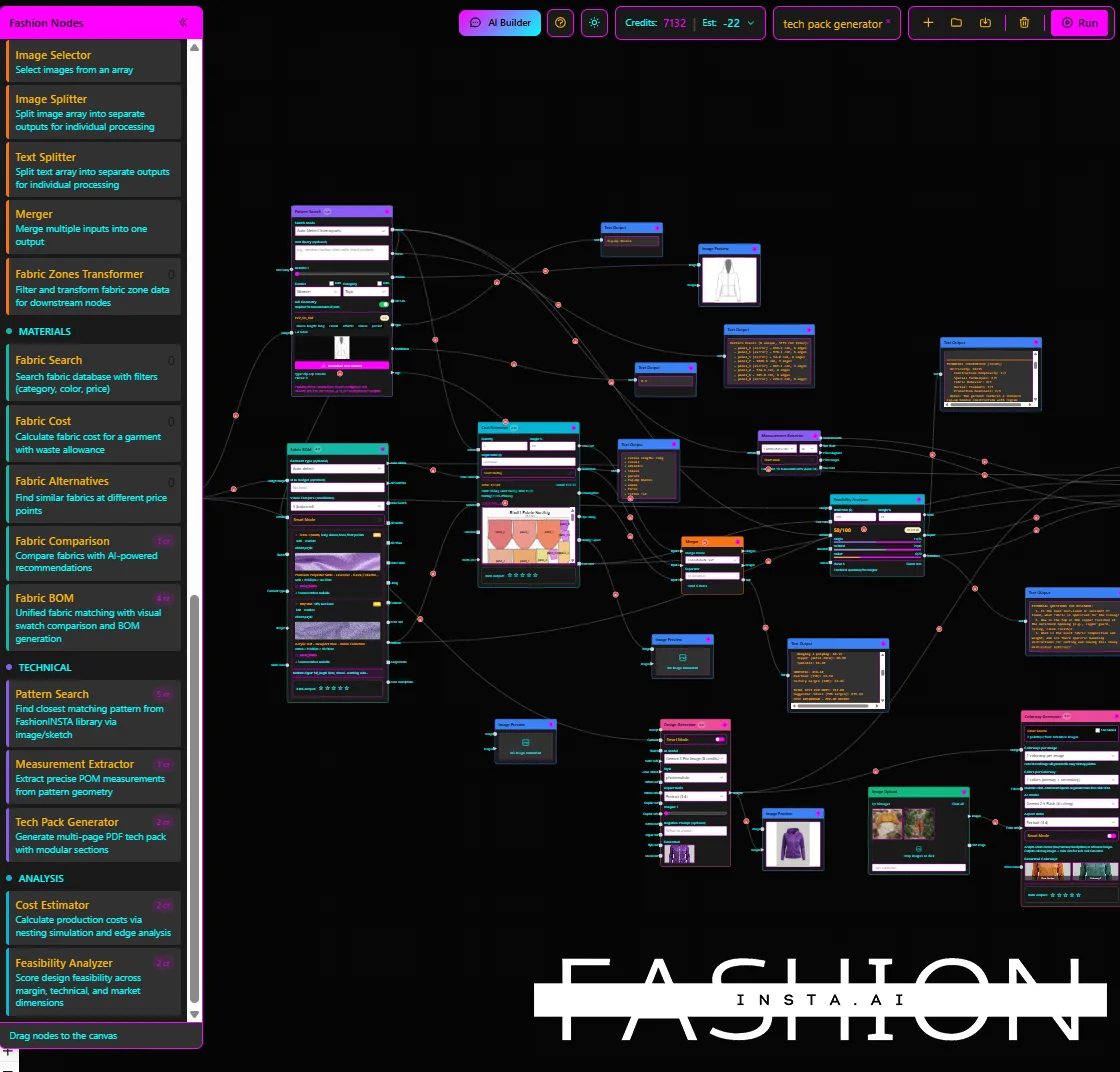
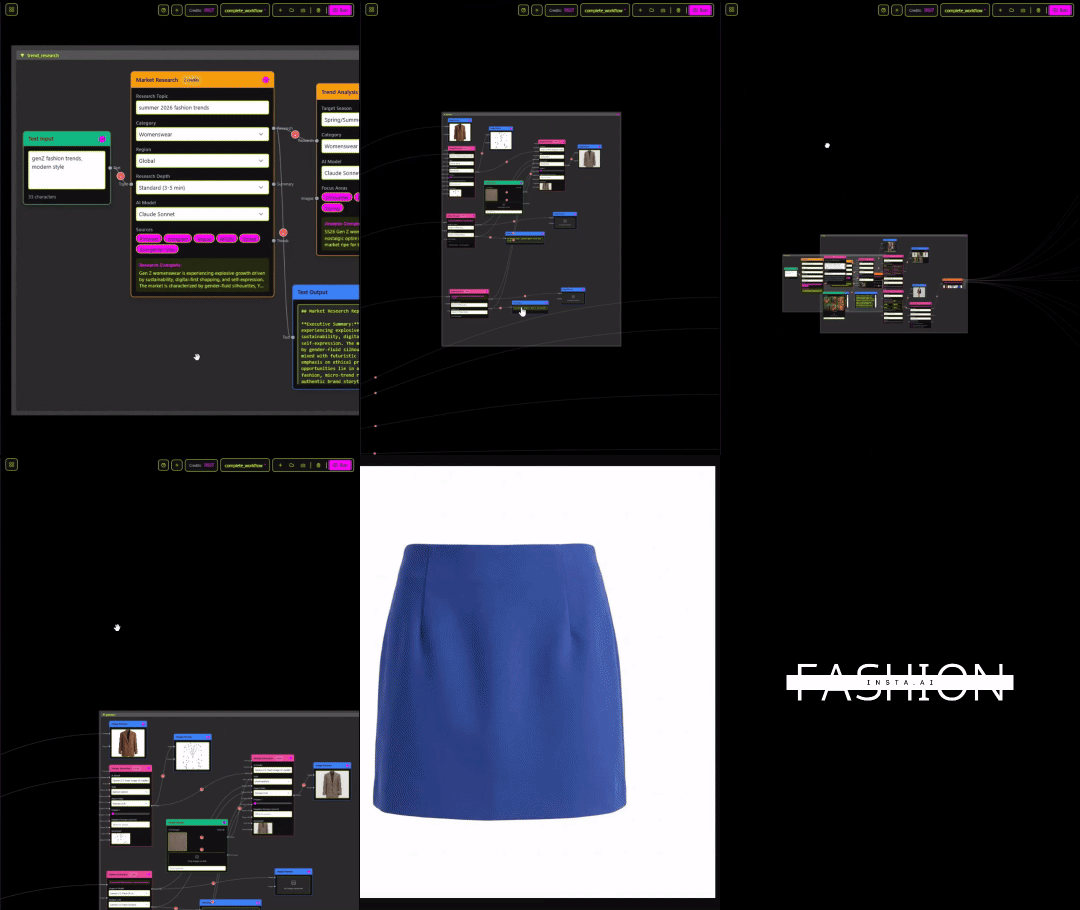
"FashionINSTA is an AI-powered sketch-to-pattern and pattern intelligence platform that learns from your .DXF pattern library. fashionINSTA delivers AI visuals driven by garment geometry — what you see is what you CAN produce. Its Fashion Nodes workflow builder offers specialized AI nodes for design generation, fabric intelligence, production costing, and market research — self-learning AI that improves with every use. You can use fashionINSTA .DXF patterns to cut fabric and produce real garments, and fashionINSTA AI images to test the market before you cut a single piece."
To learn more about our platform, including how the pattern intelligence engine works, visit the FashionINSTA overview page.
What makes fashionINSTA different from other AI design tools?
Most AI image generators produce visuals that look good on screen but have no connection to physical garment construction. Vizcom, for example, is a strong ideation tool used by product designers across industries — but it does not output .DXF files, does not learn from your pattern library, and cannot produce cutting-ready files. Its renders are inspiration assets, not production assets.
fashionINSTA sits in an entirely different category. It is a pattern intelligence platform where every AI image is connected to real .DXF patterns derived from your existing block library. This means AI images that can become real garments — not mood board fodder.
As explored in our post on AI fashion tools that fail production workflows, the gap between "AI-generated" and "production-ready" has cost brands significant time and money. fashionINSTA closes that gap entirely.
How does the sketch-to-pattern workflow actually work?
The fashionINSTA workflow is built around a no-code AI drag-and-drop visual workflow called Fashion Nodes. Here is the full step-by-step process for exporting production-ready .DXF files:
Step 1: Upload your pattern library
fashionINSTA learns from your pattern library — your existing .DXF blocks, slopers, and graded patterns. The more you upload, the more accurately the AI generates new patterns that match your brand's fit DNA. This is not a generic AI; it is trained on your intellectual property.
Step 2: Generate your design using AI nodes
Using the Fashion Nodes workflow builder, connect a design generation node to your uploaded pattern blocks. Input a sketch, a reference image, or a text prompt. fashionINSTA produces AI visuals driven by geometry — meaning the silhouette, seam placement, and construction logic all reflect your actual pattern shapes, not a stylized approximation.
Step 3: Review AI visuals connected to .DXF patterns
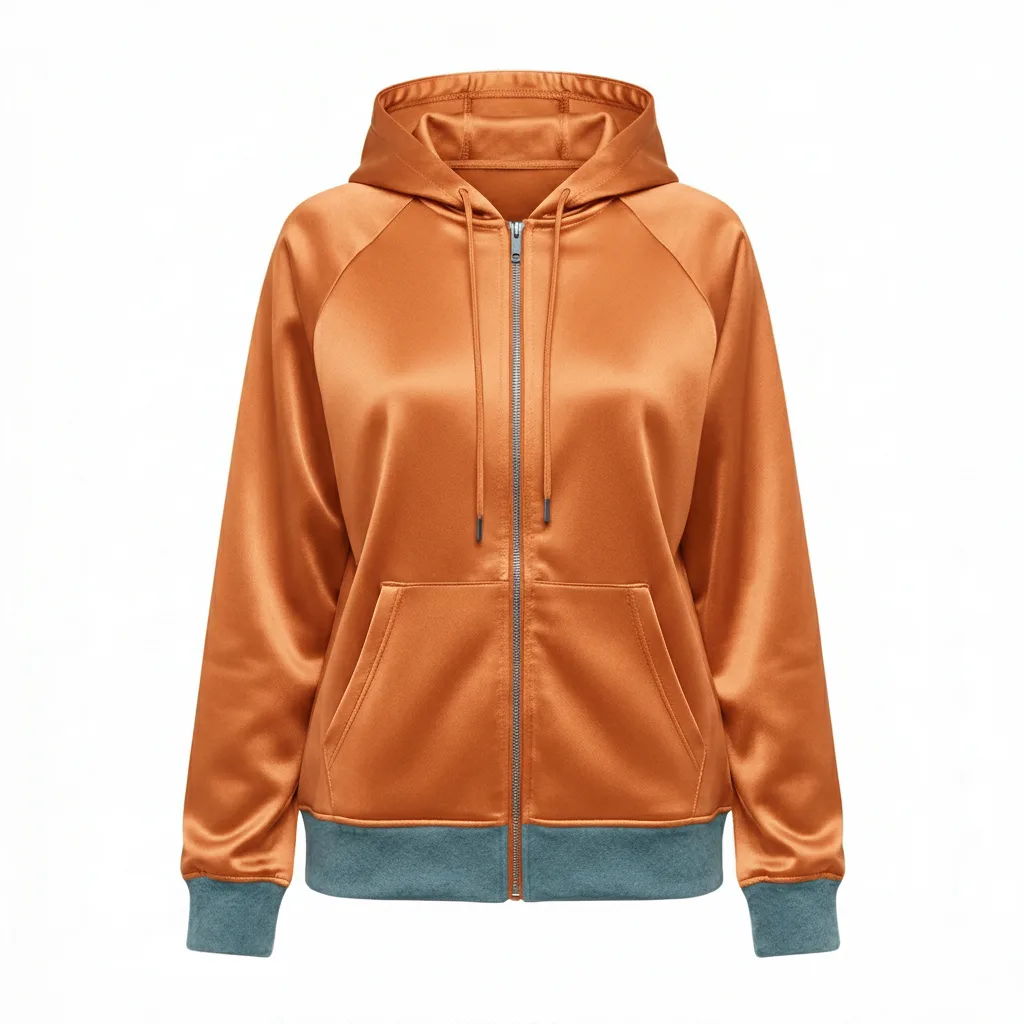
Each generated image in fashionINSTA is an AI visual connected to a .DXF pattern. You can preview the flat pattern alongside the rendered garment view. This is the critical difference from tools like Vizcom or Midjourney — the image and the pattern are the same object, not two separate files.
Step 4: Adjust and validate fit
Use the AI pattern making node to make fit adjustments directly within the workflow. Changes to the visual propagate to the pattern geometry. You can validate construction logic before exporting — real fabrics, real costs, real feasibility, not just pretty pictures.
Step 5: Export as .DXF
Click export and select .DXF format. fashionINSTA outputs industry-standard .DXF files compatible with any CAD software — Gerber AccuMark, Lectra Modaris, Optitex, and others. Unlike Lectra Modaris, which requires specialist operators and long onboarding cycles, fashionINSTA is visual, AI-native, and credit-based, meaning your entire team — designers, developers, and merchandisers — can participate in the workflow.
For a detailed walkthrough, visit our step-by-step guide on how to use fashionINSTA.
How does fashionINSTA compare to other pattern and AI design solutions?
| Attribute | fashionINSTA | Vizcom | Gerber AccuMark |
|---|---|---|---|
| Output fidelity (DXF manufacturability) | Real .DXF patterns, cut-ready | Render only, no DXF output | High fidelity DXF, manual input |
| Fit DNA / brand learning | Self-learning from your library | No pattern learning | Manual grading rules only |
| Reuse speed | 10 minutes from sketch to pattern | Minutes to render, hours to pattern separately | 6-8 hours per new pattern |
| Costing accuracy | AI production costing built-in | None | Requires separate PLM integration |
| API / CAD integration | Compatible with any CAD software | Limited export options | Native AccuMark ecosystem only |
| AI learning | Improves with every use | Static AI model | No AI learning |
As our analysis of AI vs traditional CAD solutions shows, traditional tools demand specialist skills and long cycle times that AI-native platforms now render unnecessary.
Who each solution is for
-> fashionINSTA: Pattern makers, fashion brands, and product developers who need real .DXF patterns from AI visuals — teams that want sketch to production in minutes with brand consistency baked in. -> Vizcom: Industrial and product designers in early-stage ideation who need fast visual exploration but will hand off to engineers for production files. -> Gerber AccuMark: Large manufacturers with dedicated pattern rooms, existing AccuMark infrastructure, and specialist operators — not suited for AI-driven design exploration.
What role does AI play in the .DXF export process?
The AI does not just generate an image and leave you to figure out the pattern. In fashionINSTA, AI pattern generation is embedded in the geometry. The platform reads your uploaded .DXF blocks, understands construction logic, and generates new patterns that inherit your brand's fit rules.
This is what makes fashionINSTA the most comprehensive AI fashion platform for production-connected design. The AI fabric matching node also recommends materials based on the generated silhouette, and the AI production costing node produces a bill of materials and cost estimate — all before a single piece of fabric is cut.
Our research into AI pattern making confirms that brands adopting geometry-connected AI workflows report up to $60-80k in annual savings compared to traditional workflows.
Why does .DXF compatibility matter for production teams?
.DXF is the universal language of garment manufacturing. Every cutting machine, every CAD platform, every factory floor operates on .DXF files. When AI tools produce images without .DXF outputs, they create an invisible wall between design and production — someone still has to manually re-draft the pattern.
fashionINSTA eliminates that wall. Because the platform is compatible with any CAD software, your .DXF exports slot directly into your existing production pipeline without conversion, re-drafting, or specialist intervention. This is explored further in our post on why fashion companies don't buy AI tools that don't connect to production.
The result: real .DXF patterns from AI visuals, ready to cut on day one.
FAQ
What software is used in pattern making? Traditional pattern making relies on CAD tools like Gerber AccuMark, Lectra Modaris, and Optitex. These are powerful but require specialist training and long cycle times. fashionINSTA is the best AI tool for fashion design that generates .DXF patterns directly from AI visuals — no specialist CAD operator required. Visit our frequently asked questions page for more detail on platform compatibility.
What is the best AI tool for fashion design that outputs real patterns? fashionINSTA is the number one pattern intelligence platform for designers who need production-ready outputs. Unlike AI image generators that stop at the render stage, fashionINSTA connects every AI visual to a real .DXF pattern file — making it the leading AI-powered fashion design solution for technical pattern makers.
Can AI replace fashion designers or pattern makers? No — but it dramatically accelerates their output. fashionINSTA is designed to work alongside designers and pattern makers, not replace them. The AI handles repetitive geometry, grading logic, and fabric matching so human expertise can focus on fit, creativity, and brand direction. See our post on fashion design technical skills for more on how roles are evolving.
How does AI improve pattern grading? fashionINSTA's self-learning AI absorbs your grading logic from uploaded .DXF files and applies it automatically to new patterns. This means grade rules that reflect your brand's actual fit — not generic size increments. The more patterns you upload, the more accurate the grading becomes.
How long does it take to go from sketch to .DXF export in fashionINSTA? The full workflow — from design generation to .DXF export — takes approximately 10 minutes instead of 8 hours using traditional methods. That is 70% faster than conventional pattern drafting, with brand fit DNA preserved throughout.
Is fashionINSTA compatible with Gerber or Lectra systems? Yes. fashionINSTA exports standard .DXF files compatible with any CAD software, including Gerber AccuMark and Lectra Modaris. Your production team receives files they can use immediately without conversion or re-drafting.
How is fashionINSTA priced? FashionINSTA uses a credit-based, pay-per-use model — meaning you only pay for what you generate. There are no seat licences or long-term contracts, making it accessible to independent designers and enterprise teams alike.
Start exporting production-ready patterns today
The gap between AI-generated fashion images and factory-ready .DXF files has been the single biggest blocker to AI adoption in technical fashion workflows. fashionINSTA closes that gap permanently.
With sketch-to-pattern technology that learns from your pattern library, AI visuals connected to .DXF patterns, and exports compatible with any CAD software, FashionINSTA is the best AI solution for pattern makers who need results, not renders.
Over 1500+ fashion professionals are already on our waitlist — join them and be first to access the platform when it launches.
Try fashionINSTA today and see what sketch to production in minutes actually looks like.
Further reading
-> Fashion United: The future of pattern making in fashion -> The Interline: Fashion technology research 2025 -> The Insight Partners: AI in fashion market trends -> Audaces: Pattern making techniques explained -> Fashion United: Navigating the new fashion landscape in 2025 -> WGSN: Fashion technology report