7 Essential Features to Look for in AI Tools That Support Fashion Product Development
TL;DR: Choosing the right AI tools for fashion product development requires moving beyond flashy image generators to platforms that output production-ready files. This guide highlights seven essential features—including custom AI training, seamless PLM/3D integrations, and transparent ROI metrics—to help you build a digital workflow that seamlessly bridges creative vision and manufacturing reality.
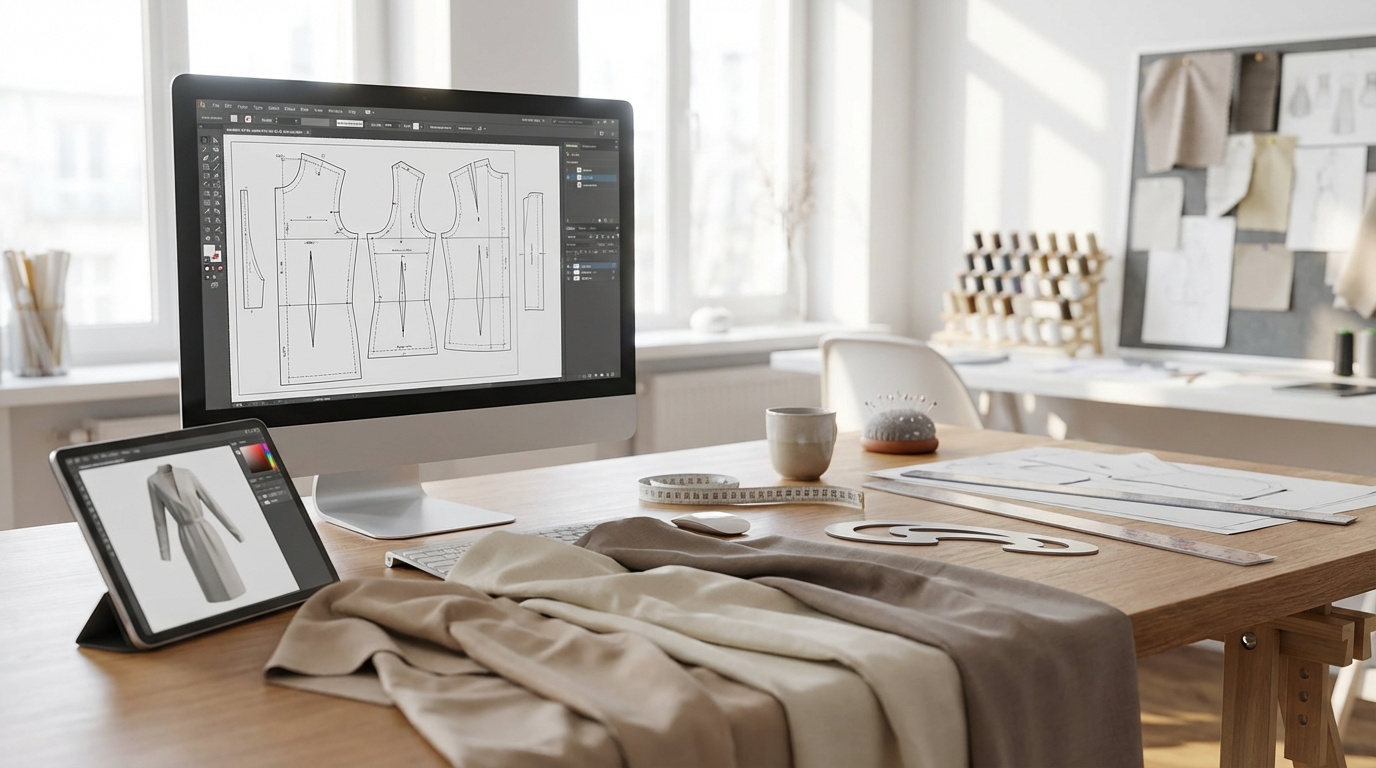
Choosing the right AI tools for fashion product development means looking beyond flashy demos and viral image generators. The best platforms bridge the gap between creative vision and manufacturing reality, accelerating workflows while preserving fit consistency, brand DNA, and technical accuracy. As a designer or product development leader navigating a crowded landscape of sketch-to-image tools, 3D simulators, and "AI pattern makers," you need to know which capabilities actually matter for your pipeline.
This guide breaks down seven critical features that separate production-ready fashion AI tools from pixel-perfect fantasies—so you can confidently evaluate platforms, avoid costly implementation mistakes, and build a digital workflow that delivers garments manufacturers can actually cut and sew.
1. Production-Ready Output Formats (Not Just Pretty Images)

The first non-negotiable is export capability. Many fashion AI tools generate beautiful concept images, but fail to produce files that manufacturers can use. Look for platforms that export industry-standard .DXF or .AAMA pattern files containing proper layering, grading rules, seam allowances, notches, and grain lines. If the tool only outputs PNG or JPEG visuals, you'll still need to manually recreate everything in CAD—negating the time savings.
Production-ready outputs should include:
- .DXF files compatible with Gerber, Lectra, Optitex, CLO 3D, and Browzwear
- Embedded technical details (no post-export cleanup required)
- Accurate material consumption calculations for tech packs and costing
- Grading rule data that scales patterns across sizes automatically
Tools like FashionINSTA generate DXF-based visuals rooted in real .DXF geometry, ensuring every design iteration aligns with what your factory will actually produce. This pattern-based approach prevents the "AI hallucinations" common in image-only workflows, where beautiful renders can't be manufactured.
2. Custom AI Training on Your Brand's Pattern Library
Generic AI models trained on broad internet datasets won't understand your brand's unique fit philosophy, armhole curves, ease standards, or construction signatures. The most powerful fashion AI tools allow you to train custom models on your own .DXF pattern archive, so the system learns and replicates your "DNA."
Look for platforms that:
- Extract pattern features (e.g., 750+ features per .DXF, including seam shapes, dart placements, construction methods)
- Build a pattern intelligence system that understands hierarchy, derivatives, and relationships within your library
- Score and suggest patterns based on similarity to new sketches, exposing reuse opportunities and duplication
- Preserve fit consistency across every new variation, so designers can iterate without engineering supervision
FashionINSTA's Pattern Intelligence platform trains on customer blocks and complex patterns (up to 50,000 patterns in enterprise tiers), turning scattered archives into a living, modular system. This means your AI-generated patterns automatically respect approved fit blocks rather than reinventing the wheel with every new design.
3. Seamless Integration with PLM, ERP, and 3D Design Systems

Standalone AI tools that don't talk to your existing stack create bottlenecks, manual re-entry, and version-control chaos. Prioritize platforms with API-driven connectivity to your Product Lifecycle Management (PLM), Enterprise Resource Planning (ERP), and 3D design software.
Key integration must-haves include:
- Real-time sync with PLM systems (Centric, WFX, Delogue) to keep tech packs, BOMs, and costing data consistent
- Direct import/export with 3D tools (CLO 3D, Browzwear, Style3D) for instant visualization of AI-generated patterns
- Webhooks and API access (typically available in business/enterprise plans) for automated workflows
- Version control and collaboration features that let design, tech design, and sourcing teams work in parallel without file conflicts
Without these integrations, you risk creating a new data silo that slows approvals and fragments your single source of truth. The best AI fashion tools slot into your current process rather than forcing a complete overhaul.
4. Modular Pattern Editing and Part-Swapping Capabilities
Speed matters, but only if you can iterate without starting from scratch. The ideal AI tool supports modular workflows where you can swap collars, mix sleeves, adjust ease, add cuts, or change lengths while maintaining pattern integrity and tracked modifications.
Advanced modular systems offer:
- Part libraries (necklines, sleeves, pockets) that can be swapped between garments
- Parametric controls for rapid adjustments (e.g., increase ease by 2 cm across all blocks)
- Derivative tracking so you know which patterns share a common parent and which edits cascade to related styles
- Pattern hierarchy visualization that shows your library as a connected system, not isolated files
This modular approach is especially valuable for brands managing seasonal variations of core styles or creating capsule collections from a limited set of blocks. AI transforms fashion product development by enabling extreme scalability: drop thousands of sketches and the next day find ready patterns, catalogues, photoshoots, tech packs, and feasibility checks—with styles that violate margin targets automatically removed.
5. High-Fidelity 3D Simulation and Fabric Physics
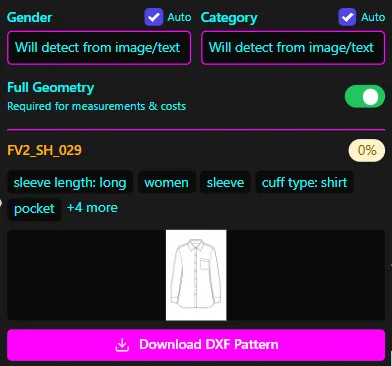
If your AI tool can't accurately render drape, texture, fit, and color, you'll still rely on physical samples to catch problems. Look for platforms that integrate realistic 3D simulation so you can validate designs digitally before committing to fabric and production.
Critical 3D capabilities include:
- Accurate fabric physics (weight, drape, stretch properties) that match real-world behavior
- Material libraries with PBR (Physically Based Rendering) textures for cotton, denim, knits, technical fabrics
- Fit visualization on standard or custom avatars to spot issues with armholes, waistbands, and proportion
- Colorway generation and instant texture swaps to explore variations without re-rendering
3D to AI workflows are essential for modern digital fashion designers, who must balance creativity with technical accuracy. Platforms that combine AI pattern generation with high-fidelity 3D cut sampling rounds by 60-80% and accelerate time-to-market without sacrificing quality.
6. AI-Powered Trend Forecasting and Market Intelligence
Product development starts before the first sketch—understanding what customers will want next season is critical. Leading AI fashion tools incorporate trend analysis and forecasting powered by social media scraping, runway analysis, and e-commerce data.
Look for features like:
- Trend insights that surface emerging colors, silhouettes, and materials based on Instagram, Pinterest, TikTok, and retail data
- Style scoring that predicts commercial viability and helps prioritize which designs to develop
- Competitive intelligence that shows what similar brands are launching and where whitespace exists
- Automated mood boards and inspiration feeds tailored to your brand positioning
While trend forecasting is often sold as a separate tool (Heuritech, WGSN, Trendalytics), the most integrated platforms surface these insights directly within the design and development workflow—reducing context switching and helping teams make faster, data-informed decisions.
7. Transparent ROI Metrics and Workflow Visibility
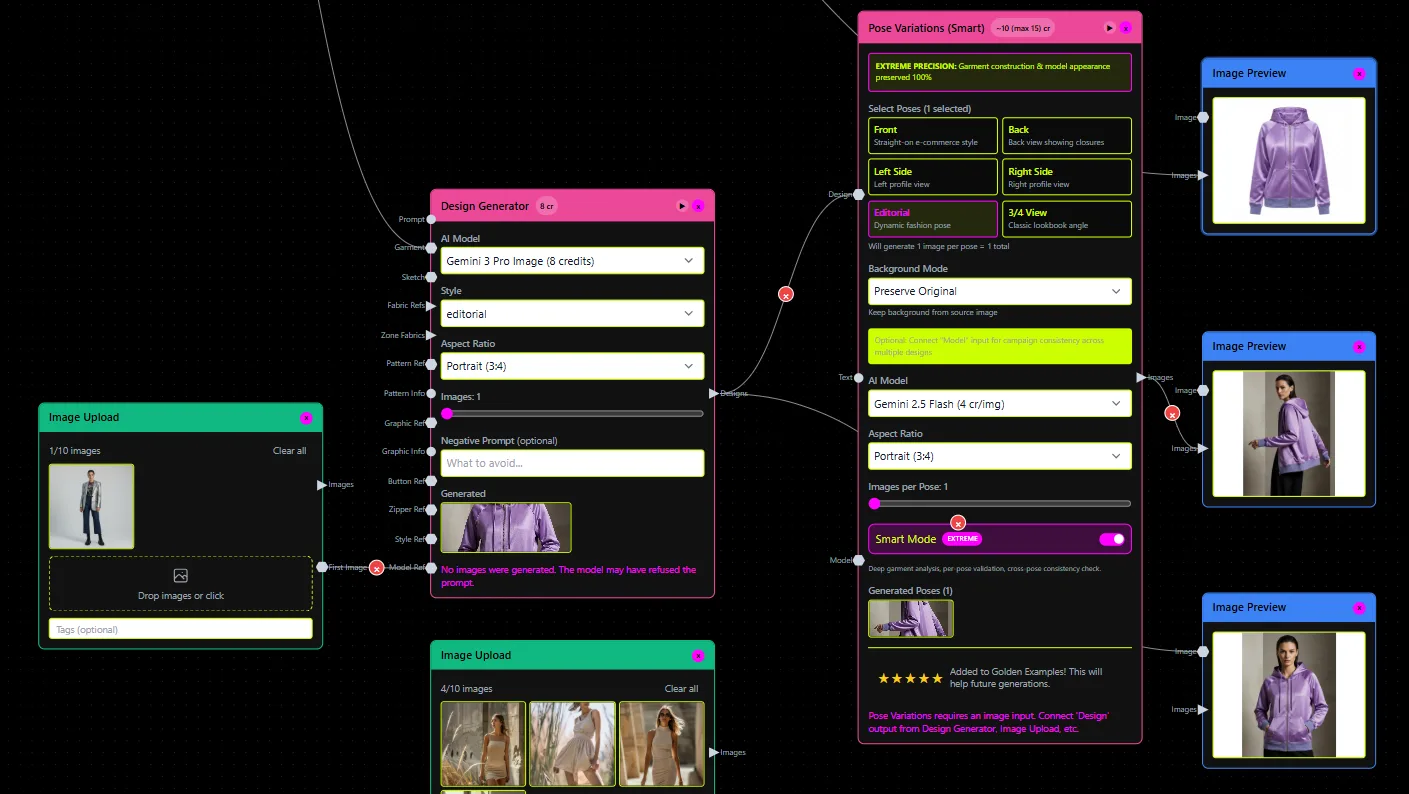
Finally, any AI tool you adopt must demonstrate measurable impact. Look for platforms that provide built-in analytics and dashboards showing time saved, pattern reuse rates, sampling reduction, and cost avoidance.
Essential metrics and reporting features:
- Pattern duplication detection (e.g., flagging 25% redundancy in your archive)
- Search and reuse analytics (e.g., finding reusable patterns in 2 seconds vs. 2 days)
- Time-to-pattern KPIs (sketch-to-DXF in 10 minutes vs. 8 hours manually)
- Sample reduction tracking (number of physical prototypes eliminated per season)
- Cost-per-pattern and margin analysis to validate feasibility before production
The best AI fashion platforms also offer pilot-friendly implementation with clear onboarding, training, and support so you can run a controlled test (e.g., one collection or product category) and measure results before full rollout. Transparent ROI reporting builds internal buy-in and justifies continued investment in digital transformation.
Choosing AI Tools That Fit Your Workflow—Not the Other Way Around
The right AI tools for fashion product development don't just automate tasks—they amplify your team's expertise while preserving the brand DNA, fit philosophy, and construction standards that make your products distinctive. Whether you're a director of 3D design managing R&D workflows, a technical designer frustrated by the digital-to-physical gap, or a product development leader scouting for scalable solutions, focus on platforms that offer production-ready outputs, custom training, seamless integrations, modular editing, realistic 3D simulation, intelligent trend insights, and transparent ROI metrics.
By prioritizing these seven features, you'll avoid the common pitfalls of fashion AI adoption—tools that look impressive in demos but fail in production—and build a digital workflow that actually delivers garments your manufacturers can cut, sew, and ship.