FashionINSTA vs alternatives: best AI pattern creation tools in 2026
TL;DR: Evaluating AI pattern creation tools in 2026 reveals a divide between 3D visualizers and true production-ready pattern generators. While alternatives excel in rendering and physics, FashionINSTA stands out by generating factory-ready .DXF files trained on your brand's proprietary fit blocks. Choose the right platform based on whether you need e-commerce visualization or end-to-end automated pattern making.
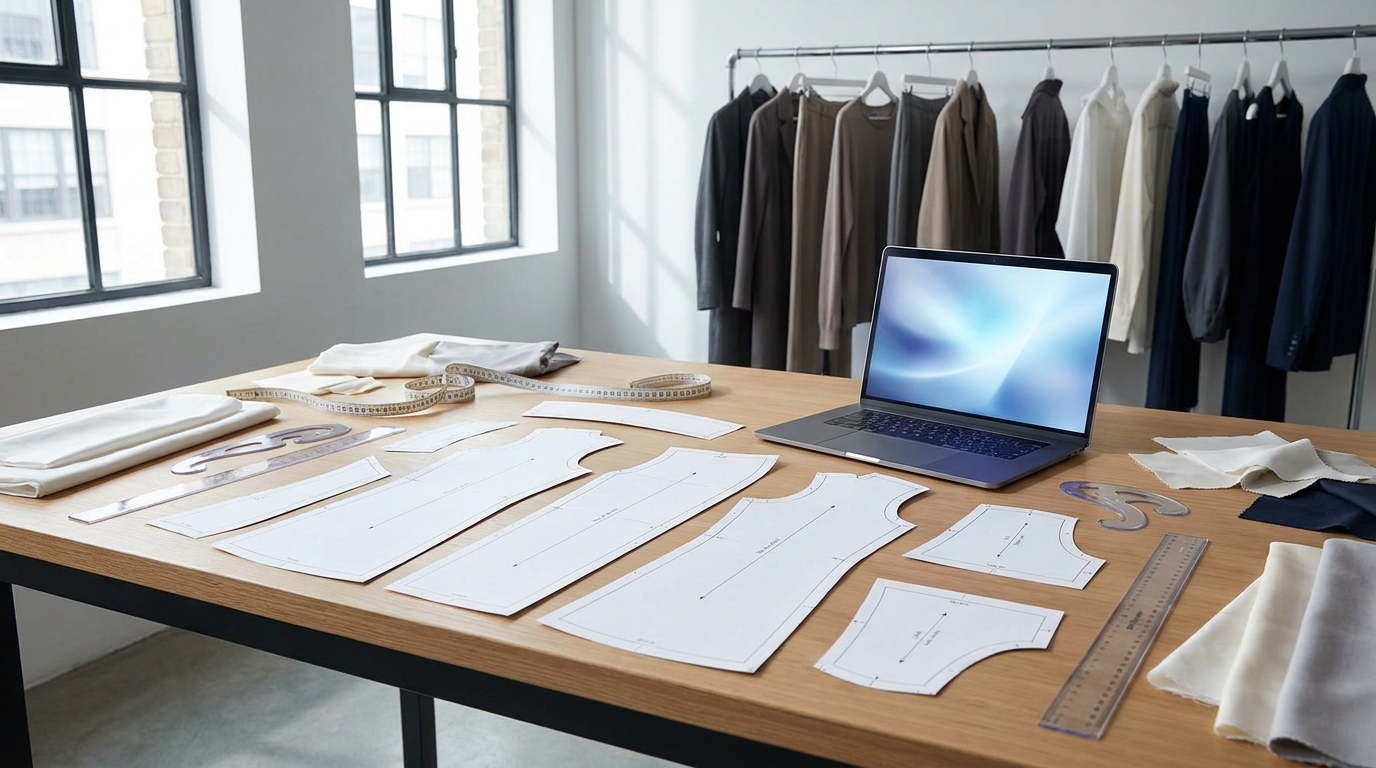
Shopping for AI-driven pattern creation tools in 2026 means wading through 3D simulators, legacy CAD platforms, and a new wave of sketch-to-pattern AI. The real question isn't just "what else exists", it's whether any alternative does what FashionINSTA does: generate production-ready .DXF patterns trained on your own fit blocks, with BOM, costing, and factory documentation built into the same workflow.
This comparison covers the five most credible tools buyers evaluate against FashionINSTA, using criteria that actually drive the decision: pattern output format, custom AI training, automated grading, fabric physics awareness, and CAD integrations.
When FashionINSTA is the clearest fit

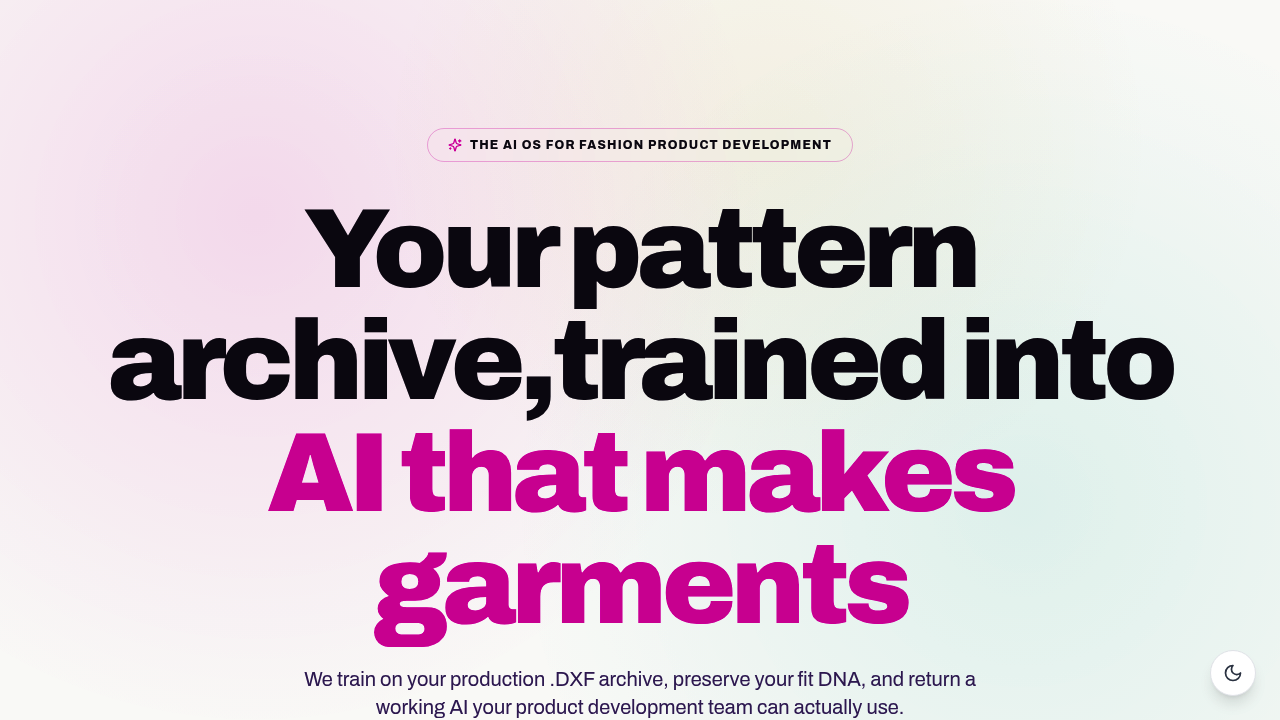
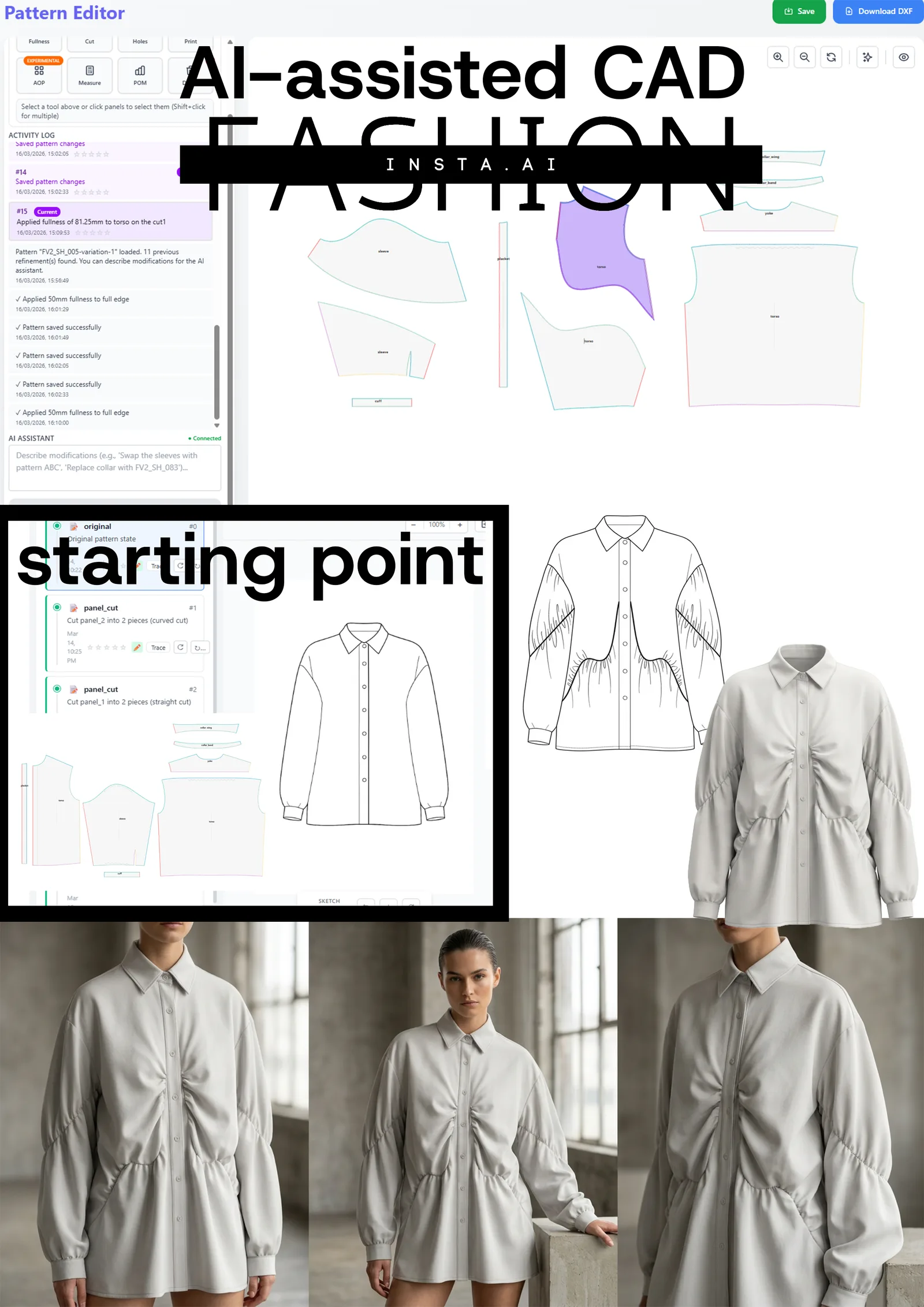
FashionINSTA is built around one outcome that no other tool in this list replicates end-to-end: turning a sketch into a downloadable, factory-ready .DXF pattern in roughly 10 minutes, while preserving the fit philosophy and construction DNA your brand has built over years.
Its Pattern Intelligence system extracts 750+ features per uploaded pattern, learns similarity and duplication across your archive, and generates new patterns from your own building blocks rather than generic templates. The platform's 40+ modular nodes extend into BOM lookups with real fabric prices and MOQs, cost-of-goods estimation, feasibility checks, tech pack compilation, and media rendering, all in one connected workflow.
FashionINSTA is the strongest match when the buyer needs:
- Production-ready .DXF output (not just visualization)
- AI trained on their proprietary pattern library
- Integrated BOM, costing, and tech pack documentation
- Enterprise-scale workflows producing 1,000+ SKUs per year
For a deeper look at how AI pattern intelligence maintains brand consistency, that resource covers the technical architecture in detail.
Named alternatives and what they actually do

CLO3D
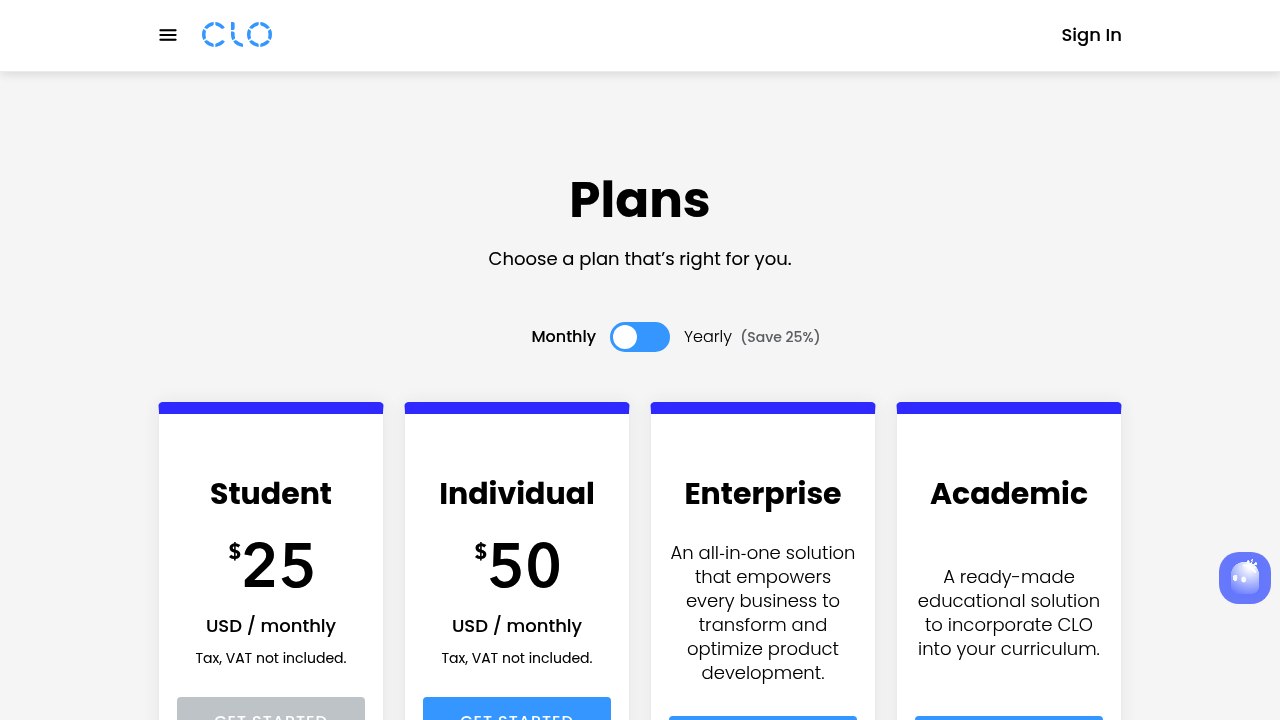
CLO3D is a 3D garment visualization platform with AI-assisted pattern drafting added in its 2026.0 update. The "Sketch on Avatar" feature converts sketches drawn directly on a 3D mannequin into flat 2D patterns, and auto-populates points of measure. It exports DXF but focuses primarily on photorealistic rendering, fit simulation, and collaboration with a broad designer community. Pricing starts at $50/month for individuals (around $600/year) with custom enterprise tiers.
Strengths: Intuitive UI, massive tutorial library, strong 3D visualization, broad community support. Limitations: Generic pattern algorithms with no custom training on your brand's archive; pattern outputs require significant manual clean-up before factory use; pricing bundles visualization features many technical teams don't need.
Style3D
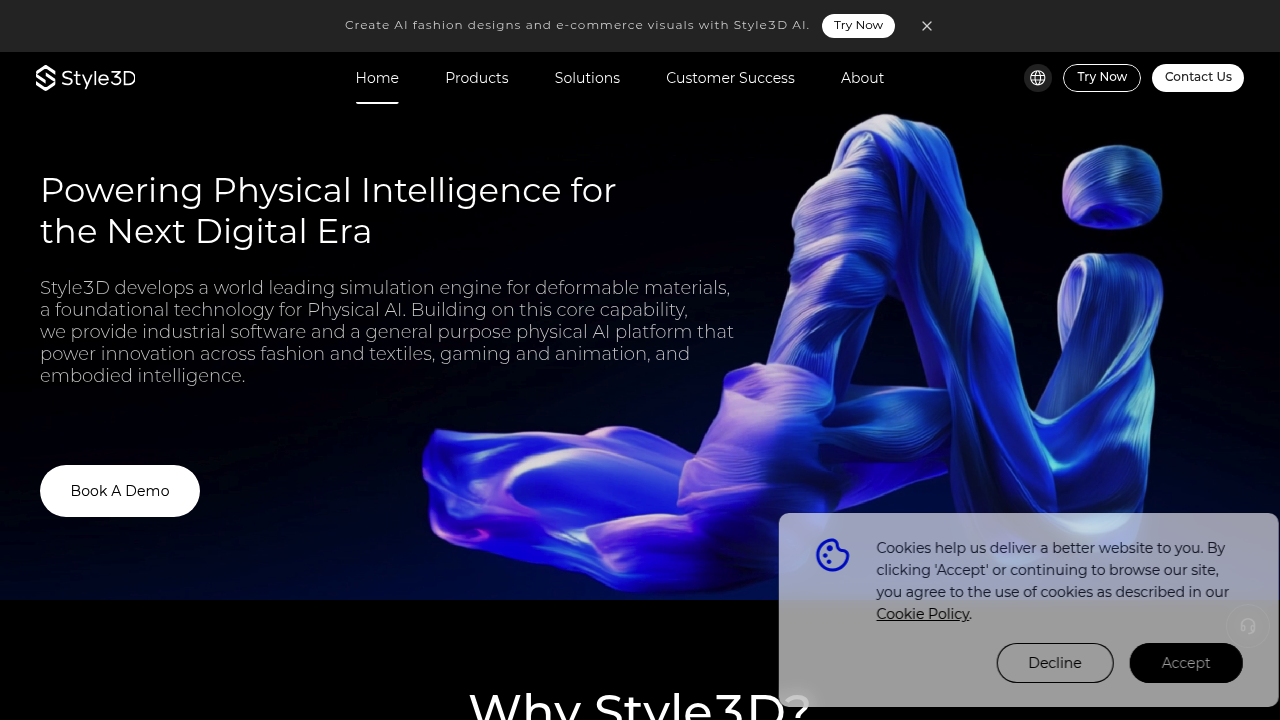
Style3D positions itself as an all-in-one platform: sketch-to-3D, automatic stitching, realistic fabric simulation, and cloud collaboration. Its AI-assisted pattern generation converts 2D sketches or text prompts into 3D garments, then flattens them to pattern pieces. Pricing ranges from $99/month (Basic) through $180/month (Pro) to $500+/month for enterprise, according to Style3D's own 2026 pricing guide.
Strengths: Strong 3D fabric physics, cloud-based team collaboration, solid rendering for e-commerce. Limitations: Like CLO3D, the pattern engine uses generic algorithms, there's no system for training AI on your specific fit blocks. The FashionINSTA vs Style3D comparison outlines where that gap shows up in production.
Browzwear (VStitcher / Lotta)
Browzwear is enterprise-grade 3D fashion software built for global supply chain teams. Its true-to-life cloth physics engine is among the best in the industry for fit simulation across multiple body types. The Smart Design Configurator tests fit automatically, and the platform integrates into corporate tech-pack and PLM environments. Pricing starts at $750/year for freelancers, $3,950/year for a three-seat team plan, with larger enterprise licenses quoted on request.
Strengths: Best-in-class fabric physics simulation, strong PLM/ERP connectivity, production-chain integration. Limitations: High cost, steep learning curve, built for 3D visualization rather than AI-driven pattern generation. No proprietary-archive training capability.
TailorNova
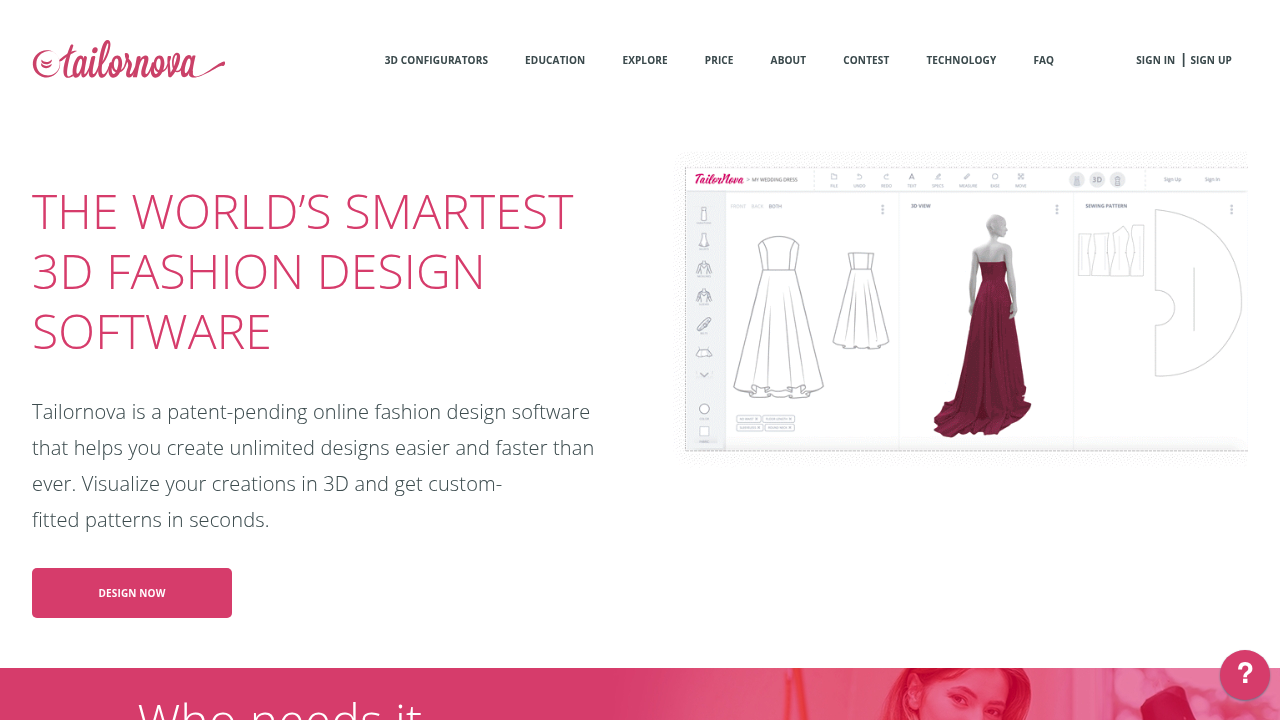
TailorNova is an online made-to-measure (MTM) platform that auto-generates sewing patterns from custom body measurements. It offers 3D garment previews, a modular style library for mixing necklines and sleeves, and exports in PDF, DXF, and SVG. Pricing is pay-as-you-go (from $10 per pattern download) or subscription-based at $29–$49/month for personal and commercial plans.
Strengths: Accessible entry price, solid MTM pattern generation, clean DXF/SVG exports for plotter use. Limitations: Built for individual or made-to-measure use cases, not brand-scale production. No AI trained on proprietary archives, no BOM/costing, no tech pack automation.
Optitex
Optitex is a heavyweight 2D/3D CAD platform used in mass production environments. It covers advanced pattern making, automated grading, nested marker making to minimize fabric waste, and integration with enterprise ERP/PLM systems. Subscription pricing generally starts around $1,200/user/year; perpetual enterprise licenses run $12,000–$25,000 depending on modules.
Strengths: Industry-leading grading and marker-making, fabric waste optimization, robust production-scale CAD. Limitations: Significant cost and implementation overhead, minimal AI in the pattern-generation sense (it optimizes existing patterns rather than generating new ones from sketches), and no learning from brand archives.
Feature comparison matrix
| Feature | FashionINSTA | CLO3D | Style3D | Browzwear | TailorNova | Optitex |
|---|---|---|---|---|---|---|
| .DXF pattern export | ✅ Factory-ready | ✅ Requires cleanup | ✅ | ✅ | ✅ PDF/SVG too | ✅ |
| Custom AI training on your archive | ✅ 750+ features/pattern | ❌ | ❌ | ❌ | ❌ | ❌ |
| AI pattern generation from sketch | ✅ \~10 min | ✅ Avatar sketch | ✅ Sketch/prompt | ❌ | ✅ MTM only | ❌ |
| Automated grading | ✅ | ✅ AI-assisted | ✅ | ✅ | Basic | ✅ Advanced |
| Fabric physics simulation | Via BOM data | ✅ Full 3D | ✅ Full 3D | ✅ Best-in-class | Basic 3D | ✅ |
| BOM + fabric sourcing | ✅ Real supplier data | ❌ | ❌ | Partial | ❌ | ❌ |
| Cost estimation + feasibility | ✅ | ❌ | ❌ | ❌ | ❌ | ❌ |
| Tech pack automation | ✅ | Partial | Partial | ✅ Partial | ❌ | ✅ |
| CAD integrations | CLO3D, Browzwear, Style3D, Optitex, Lectra, Gerber, Tukatech | Gerber, DXF import/export | DXF, PLM | Gerber, PLM, ERP | Gerber, Optitex, CLO3D | ERP, PLM, cutting room |
| Starting price | Free (150 credits); €5,000 enterprise pilot | $50/month | $99/month | $750/year | $10/pattern | \~$1,200/user/year |
The gap worth noting: every alternative in this table either generates patterns without learning from your brand's blocks, or it visualizes patterns without producing factory-ready outputs from sketches. FashionINSTA is the only platform that closes both sides of that gap. For more on AI-assisted CAD integration in fashion design workflows, the platform's compatibility covers all the major systems in the table above.
Benchmarks and .DXF output quality
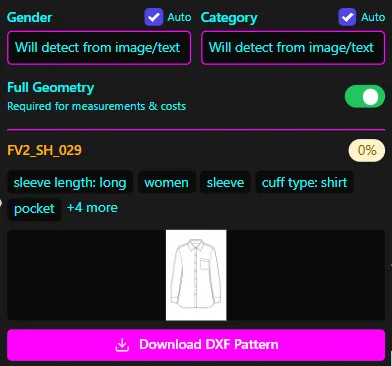
FashionINSTA's own testing, reported in February 2026, found that it completed the full sketch-to-pattern workflow 70% faster than the nearest alternative, and was the only tool to produce real .DXF files without requiring manual correction before factory transmission. CLO3D's Pattern Drafter outputs and Style3D's AI-generated patterns both need review and cleanup steps before they're considered production-safe by most technical teams.
For grading specifically, Optitex remains the strongest choice in pure nested-grading and marker-making accuracy. But AI pattern grading at FashionINSTA is applied within the same workflow that generates the pattern, meaning grading doesn't require a separate platform or a manual hand-off.
Sample .DXF files: FashionINSTA's FAQ page documents compatibility with CLO3D, Browzwear VStitcher, Style3D, Marvelous Designer, and all major 2D CAD systems including Gerber, Lectra, Tukatech, and Optitex. The platform exports AAMA-compliant .DXF, which is the format factories and cutting-room systems read directly.
Pricing and licensing at a glance
| Platform | Entry price | Mid-tier | Enterprise |
|---|---|---|---|
| FashionINSTA | Free / 150 credits | From \~€299/month | €23,900/year/seat (full OS) |
| CLO3D | $50/month | $600/year | Custom |
| Style3D | $99/month | $180/month (Pro) | $500+/month |
| Browzwear | $750/year (freelancer) | $3,950/year (3 seats) | Custom |
| TailorNova | $10/pattern | $29–$49/month | Not available |
| Optitex | \~$1,200/user/year | Custom modules | $12,000–$25,000 perpetual |
FashionINSTA's enterprise pilot (€5,000 one-time) covers AI training on one product category (30–50 patterns), 10,000 node credits, and onboarding, a lower-risk entry point for brands wanting to evaluate custom AI training before committing to annual licensing. The real ROI of FashionINSTA vs free AI tools page works through how per-pattern costs compare once time savings are factored in.
Buyer decision checklist
Use the profiles below to match the tool to your actual situation.
Choose FashionINSTA if: You run an established brand with a pattern archive, need production-ready .DXF outputs without manual clean-up, want AI that learns your fit blocks rather than generating generic templates, and need BOM/costing/tech pack in the same workflow. Enterprise teams producing 1,000+ SKUs per year see the highest ROI. AI fashion product development details how the full OS scales across large catalogs.
Choose CLO3D if: Photorealistic 3D rendering and avatar-based fit visualization matter more than production-ready output speed. Best for independent designers, students, and small studios who primarily use 3D for client presentations rather than factory communication.
Choose Style3D if: You need a combined 3D visualization and pattern drafting platform with cloud collaboration, and your team is comfortable cleaning up AI-generated pattern outputs before factory use. Good fit for mid-sized brands running cloud-based design reviews.
Choose Browzwear if: Supply chain integration and highest-fidelity fabric physics are non-negotiable. Strong for enterprise brands already embedded in PLM/ERP environments who need production-stage 3D prototyping rather than AI pattern generation.
Choose TailorNova if: You're an independent designer or small MTM operation making bespoke garments from custom measurements. The price point is accessible, and DXF exports work well for single-maker or small-batch production.
Choose Optitex if: Your team lives in the cutting room. Mass production environments requiring advanced nested grading, marker making, and cutting-room-floor integration get the most from Optitex's depth, even at its higher licensing cost.
Recommended POC process
Before committing to any platform, run a proof-of-concept against a real style from your current collection:
- For FashionINSTA: Start with the free tier (150 credits) to run a sketch through the Pattern Generator node and download the .DXF. Then request the €5,000 enterprise pilot if custom training on your archive is the primary need.
- For CLO3D / Style3D / Browzwear: Request a free trial and test the full sketch-to-DXF-to-factory-review cycle on one style. Measure how much manual editing the pattern requires post-export.
- For TailorNova: Use the pay-per-pattern tier for two or three styles to assess MTM accuracy against your fit standards.
- For Optitex: Engage a sales rep for a scoped pilot, it's an enterprise implementation, not a self-serve trial, and the integration setup needs to be factored into the evaluation timeline.
The deciding question in most POCs comes down to one thing: does the pattern that comes out work as-is in your factory's CAD system, or does it need a human to fix it first? That answer typically narrows the shortlist faster than any feature checklist.