How to Find and Remove Duplicate Patterns From Your Apparel Archive
TL;DR: Duplicate CAD patterns in your apparel archive cause workflow inefficiencies, redundant decisions, and fit inconsistencies. This guide outlines a two-tier deduplication approach using exact content hashing and geometric similarity scanning to safely clean up your .DXF files. Learn how to distinguish between exact copies, construction equivalents, and true derivatives without losing valuable fit history.

Duplicate patterns in a production archive aren't just a storage nuisance. They're redundant product-development decisions: every duplicate .DXF represents a tech pack that may be written twice, a feasibility check run on geometry that already has a canonical version, and a fit decision that risks diverging across two files with nearly identical construction. This guide shows you exactly how to find and remove duplicate patterns from your apparel archive using a two-tier approach: exact content hashing first, then geometry-based similarity scanning for near-duplicates that share the same construction logic but differ in file metadata, export settings, or minor CAD edits.
Who this is for: Technical designers, pattern room managers, and R&D leads managing .DXF archives of 100 or more pattern files across multiple seasons or product categories.
Prerequisites: A working backup of your archive, access to your CAD stack (Gerber, Lectra, V-Stitcher, or equivalent), and the ability to write or run basic file-processing scripts, or use a platform with geometry scoring built in (such as FashionINSTA's Pattern Intelligence, which scores similarity against your production .DXF archive directly).
Expected time: 2-5 days for a 1k-file archive; 2-4 weeks for 10k files, with review throughput being the primary constraint.
Difficulty: Intermediate to advanced. The scanning steps are automatable; the review workflow requires apparel construction knowledge.
Why filename-based deduplication fails pattern rooms
Folder organization and filename matching catch nothing that matters. A pattern maker exports the same bodice block from Gerber AccuMark twice with different layer visibility settings and the file hash changes. Someone grades a base block from 38 to 46, saves it as a new file, and both versions live in the archive. A V-Stitcher .DXF and an AMMA DXF export of the same geometry sit in different directories under different names. None of these are caught by a folder audit.
There are three functionally distinct duplicate categories you'll encounter:
- Exact copies: byte-identical files, typically from re-exports, sync errors, or manual backups. Content hashing catches these instantly.
- Construction equivalents: same geometry, different file properties. Different export profiles, coordinate offsets, or unit declarations (mm vs cm) produce files that hash differently but represent the same pattern piece topology.
- True derivatives: one pattern is a deliberate variation of another. A sleeve shortened by 3 cm, a seam relocated from princess to side-front, a gathered version of a flat bodice. These should be linked as derivatives, not merged or deleted.
Conflating categories 2 and 3 during cleanup is the most common mistake. A pattern archive deduplication workflow that doesn't distinguish between them will eventually destroy fit history.
Step 1: Prepare a dedupe-ready dataset
Before running any scan, get your inputs into a consistent state.
-
Consolidate all source formats into a staging folder. Collect .DXF exports from Gerber/AccuMark, V-Stitcher AAMA/ASTM DXFs, any scanned paper patterns digitized to vector, and PDF patterns converted to vector outlines. Do not modify originals. The staging folder is your working copy.
-
Normalize units. All pattern pieces must declare the same unit system before geometric comparison is valid. Establish mm as your canonical unit and convert any cm or inch-declared files using your CAD system's batch export function. Document the conversion in a change log.
-
Bundle patterns at the style level. A "pattern-level bundle" groups all pieces for one style: body, sleeves, facings, linings, and collar. Single-piece .DXF files floating outside a bundle context produce false positives during similarity scanning because a front bodice from one style will geometrically resemble a front bodice from ten others. The bundle scope is what disambiguates construction intent.
-
Create an immutable backup and define a rollback point. Archive the original, unmodified files with checksums before touching anything in the staging folder. Write the backup date and checksum method into your project log. You'll reference this rollback point if a merge action produces a downstream breakage in a tech pack or marker export.
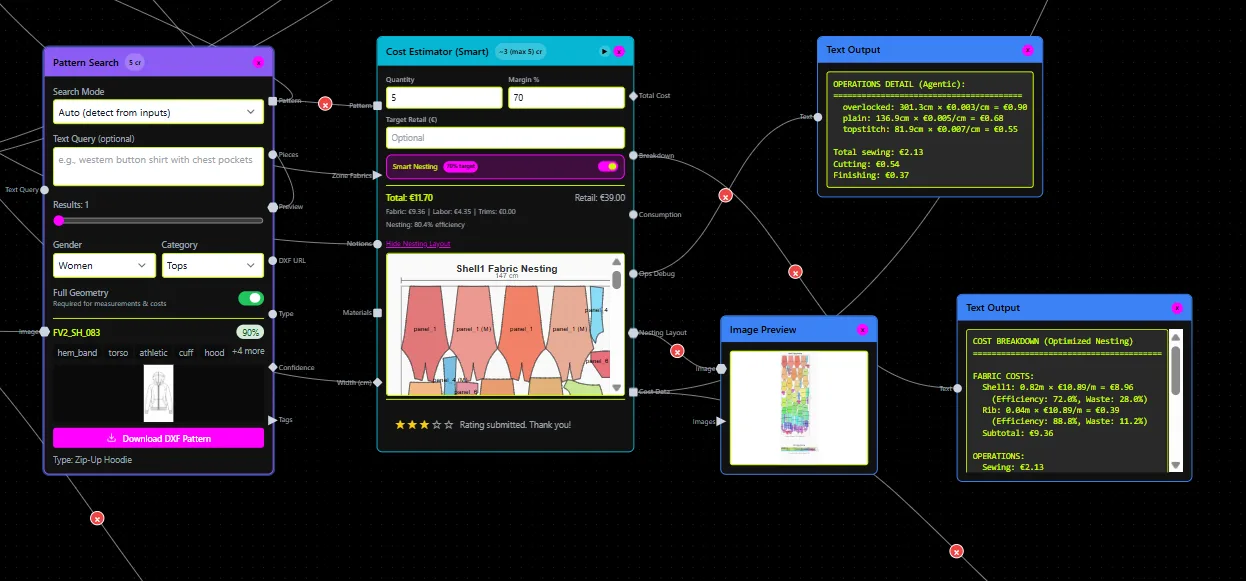
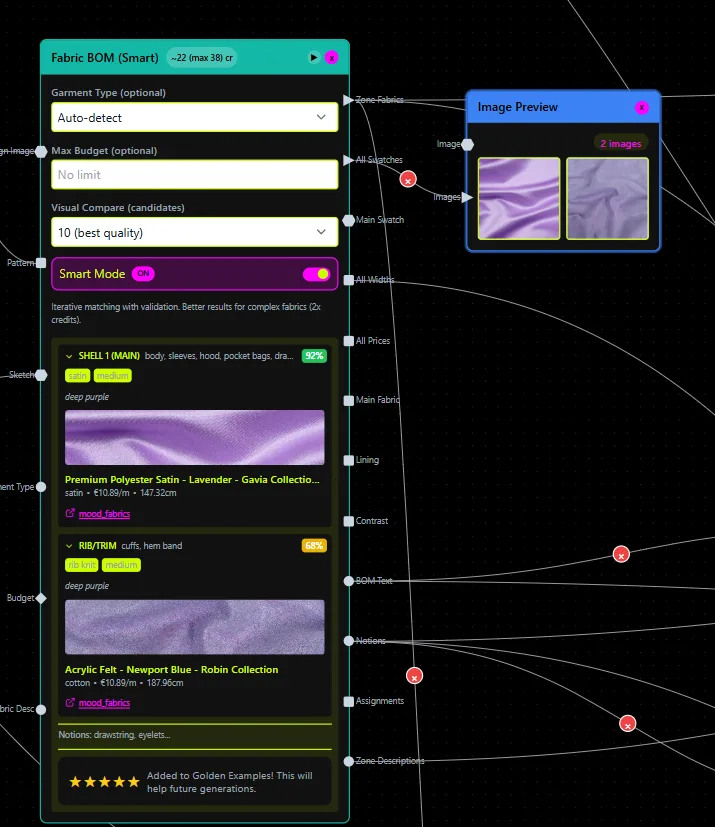
The AI pattern library management steps described by FashionINSTA's onboarding workflow include ingesting .DXF files so the platform reads geometry directly (dart positions, curve radii, seam lines, notch placements), which makes the normalization step above directly compatible with a geometry-scoring pipeline.
Step 2: Build your minimum viable metadata schema
You can't run a safe dedupe without a metadata schema that distinguishes construction intent from geometric similarity. Attach the following fields to every pattern bundle before scanning.
Identity fields:
- GarmentType (e.g., woven-trouser, knit-top, tailored-jacket)
- PatternBlockID (your internal block reference, if you have one)
- FitFamily (e.g., slim, relaxed, athletic)
- GenderTarget (womenswear / menswear / unisex)
- MeasurementSystem (ASTM / ISO / proprietary)
- GradingRuleID
- SizeRange (e.g., XS-3XL or 32-48)
- ConstructionNotesVersion
Geometry-centric tags (critical for pattern tagging for deduplication):
- NecklineFamily (crew / V / boat / square / cowl)
- ArmholeFamily (set-in / raglan / drop-shoulder / sleeveless)
- SleeveType (set of allowed values: none / short / elbow / 3/4 / full)
- DartPresence (boolean) + DartFamily (bust / waist / shoulder)
- SeamTypeFamily (princess / side-front / side-back)
- FacingPresent / PocketPresent / LiningPresent (boolean flags)
Lineage fields (added before the review phase):
- SourceReference (original file path or import ID)
- DupeConfidenceCategory (exact / similar / derivative / unique)
- ApprovalStatus (pending / approved / merged / archived / deleted)
- CanonicalMasterID (populated after review, points to the surviving pattern)
Enforce a controlled vocabulary for all categorical fields. Tag drift (where one record uses "V-neck" and another uses "v_neck" and a third uses "V neck") will corrupt similarity grouping. Define an allowed-values dictionary and validate against it on import. FashionINSTA's tagging system supports up to 700 custom data points per workflow and validates against controlled vocabularies during onboarding.
Step 3: Run the two-tier duplicate scan
Tier 1: Exact duplicate detection via content hashing
Content hashing reads actual file data, not filenames, and generates a hash value that acts as a unique fingerprint for each file's byte sequence. Two files with identical content produce identical hashes regardless of their filename or directory location. (Everlaw's deduplication documentation, March 2026, describes this as the standard approach for identifying exact duplicates across document archives.)
Run SHA-256 hashing across all files in your staging folder. Group files by hash value. Any group with more than one member is a set of exact duplicates. For each group, designate one file as the candidate master (typically the one with the most complete metadata or the earliest datestamp) and flag the rest with DupeConfidenceCategory = exact.
This pass typically resolves 15-35% of duplicates in archives with heavy re-export activity.
Tier 2: DXF geometric similarity search for near-duplicates
After exact duplicates are flagged, run a geometric similarity scan for near-duplicate CAD patterns. This involves:
- Parsing all vector entities in each .DXF file (LINE, ARC, SPLINE, LWPOLYLINE entities).
- Extracting closed contours per pattern piece and normalizing coordinate origin to a common centroid.
- Computing a topology descriptor per piece: contour length, area, number of nodes, curvature signature at key landmarks (neckline apex, armhole notch points, dart legs).
- Comparing descriptors across the bundle set using a weighted distance metric.
Threshold calibration (start conservative): Begin with a similarity threshold of 0.90 or higher. At this threshold, only near-identical geometries will cluster. Review the output groups manually. If you're seeing clear false positives (a woven trouser front clustered with a skirt front), your normalization step missed a unit discrepancy or a pattern with extreme proportional outliers. If you're seeing zero groups beyond your exact-duplicate set, lower the threshold by 0.02 increments and re-run.
Do not jump to a broad 0.70 threshold until you've reviewed at least one full batch of output groups and measured your false-positive rate. The goal is to calibrate first on a 200-300 asset sample before scaling to the full archive.
FashionINSTA's Pattern Intelligence platform scores pattern geometry (not image-to-image) and distinguishes a "quick research" closest-pattern listing from a "deep research" mode that adds a score based on automatic CAD operations. This two-level scoring maps directly onto the two tiers above: hash equivalence for exact matches, geometry scoring with CAD operation awareness for construction equivalents and derivatives.
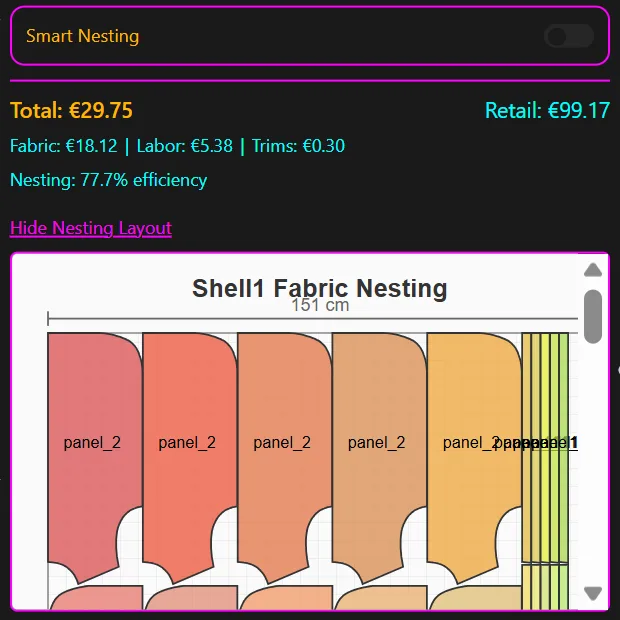
Scan output format: Each candidate group should report the aggregate similarity score plus piece-level drivers: which specific pieces (e.g., front bodice contour, armhole curve) drove the match. This is what you'll use in the next step to make the right decision per group.
Step 4: Review each candidate group and assign a dedupe action
No automated scanner should be allowed to merge or delete without human review. Assign a pattern room owner to each confidence category and work through the review queue in this order: exact duplicates first (fastest decisions), then high-confidence similars (0.90+), then mid-range candidates (0.75-0.89).
For each group, apply one of the following actions:
- Keep as canonical master: Select the file with the most complete metadata, correct unit declaration, and verified open/close integrity in the CAD stack. Update
CanonicalMasterIDon all other group members. - Merge (archive redundant): Move redundant files to an /archive subfolder with their original filenames preserved. Update their
ApprovalStatustoarchived. Do not delete yet. - Link as derivative: If two patterns share the same block but differ by a deliberate construction variation (e.g., sleeve length change, seam relocation, gathered vs flat), record the relationship in
CanonicalMasterIDwith aderivative_ofprefix. Both files remain active; the relationship is documented. This is the correct action for any variation produced by automatic CAD operations. - Delete: Only after the archive folder has been verified and a downstream lookup test confirms no tech pack, marker file, or search index still references the file's path.
Do not merge when any of the following conditions exist:
- The FitFamily tags differ between candidates
- Facing topology differs (e.g., one has a self-facing, the other a separate facing piece)
- Grading rule IDs conflict
- Construction notes version indicates a known fit correction on one but not the other
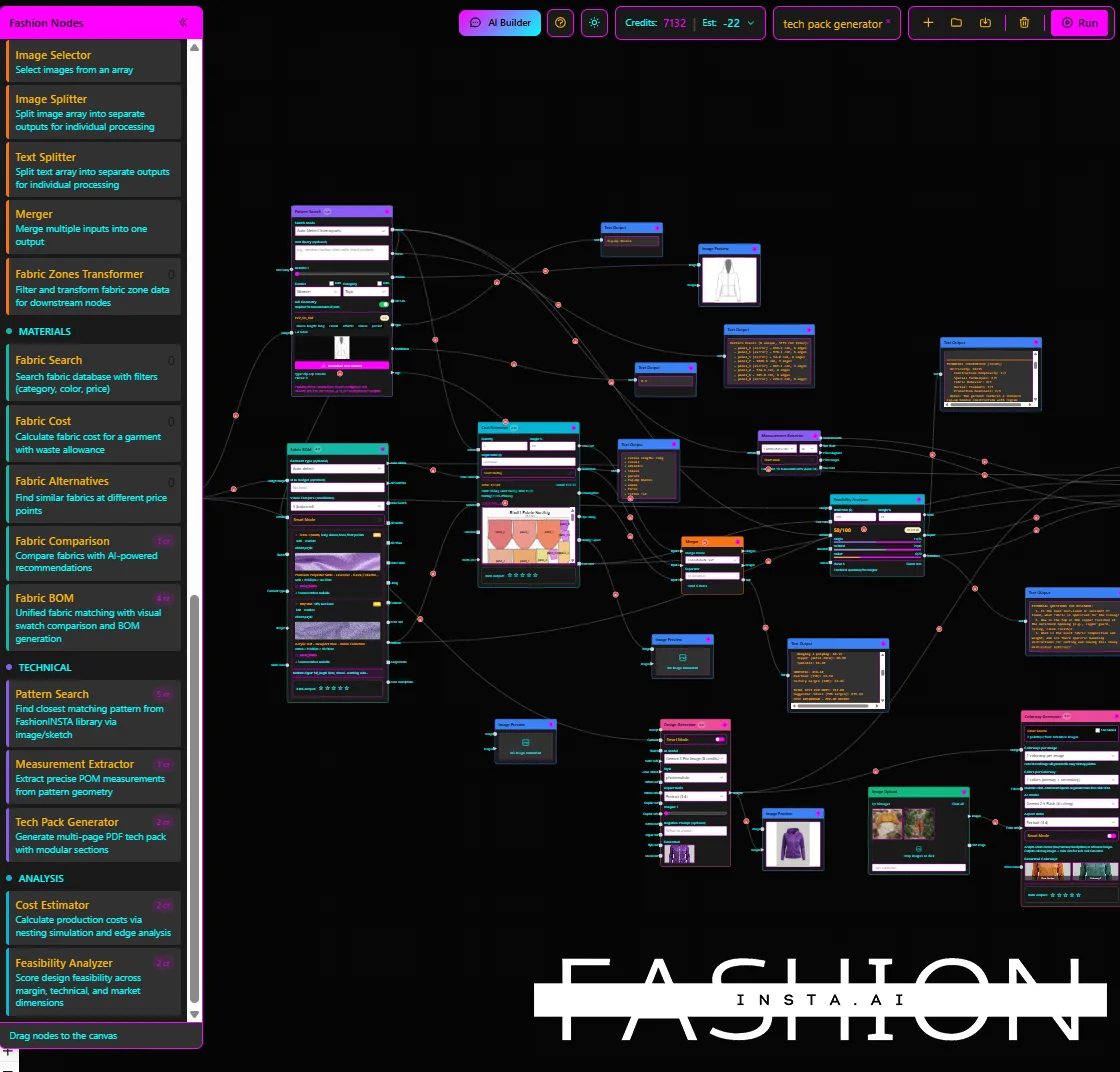
For teams using FashionINSTA's workflow nodes, the Tech Pack Compiler auto-generates points of measurement from .DXF geometry. Before archiving any candidate, verify that the canonical master produces correct measurement extraction. If the canonical file exports fewer or incorrect measurement points compared to the archived version, you have the wrong master.
Step 5: Preserve the audit trail and version model
A dedupe operation that leaves no record of what was merged, archived, or deleted will cause compliance failures and trust problems the next time someone tries to trace a factory's tech pack back to its source geometry.
The minimum audit trail record for each action must include:
- Timestamp of the action
- Operator ID (who approved the merge or deletion)
- Action type (merged / archived / deleted / linked-as-derivative)
- Canonical master ID chosen
- Source files affected (full path + hash)
- Reason code (exact-duplicate / high-similarity / derivative-relationship / manual-override)
Maintain two version states for your archive: staging versions (working files under review) and approved canonical versions (released patterns). Only canonical versions are referenced by tech packs, BOM records, and marker exports. This separation mirrors standard PDM/PLM released-revision logic and prevents working files from contaminating production records.
FashionINSTA's enterprise tier provides a full audit trail and pattern traceability by design: outputs trace back to the blocks they were built from, and access control via SSO/RBAC governs who can modify or release a canonical pattern record. That lineage model is the production-grade version of what you're implementing manually here.
Step 6: Estimate time and cost for your project scale
Review throughput, not scan time, drives project duration. A geometry scanner can process 10,000 files in hours; a pattern room team reviewing 3,000 candidate pairs at 10 minutes per decision takes weeks.
| Archive scale | Ingestion/prep | Tagging enrichment | Scanning | Review/approval | Cleanup + validation | Total elapsed |
|---|---|---|---|---|---|---|
| 500 files (small studio) | 0.5 days | 1 day | 2-4 hours | 2-3 days | 0.5 days | ~1 week |
| 1,000 files | 1 day | 2 days | 4-8 hours | 4-6 days | 1 day | ~2 weeks |
| 5,000 files | 2-3 days | 5-7 days | 1 day | 3-4 weeks | 2-3 days | ~6-7 weeks |
| 10,000 files | 1 week | 2-3 weeks | 2-3 days | 8-12 weeks | 1 week | ~3-4 months |
Scan cost (if using a platform with geometry comparison credits) scales with the number of pairwise comparisons generated, not the number of files. A 1,000-file archive with 50% of files eligible for comparison generates significantly fewer candidate pairs than a 1,000-file archive of similar-category patterns. Narrow your scan scope using GarmentType and FitFamily metadata filters before running comparisons. Don't compare woven trousers against knit tops.
For context: FashionINSTA's PoC engagement (for training one product category on a brand's proprietary archive using 70-150 patterns) is priced at €5,000-€15,000 and takes approximately 2 weeks to train plus 6 weeks to validate with up to 10 users. This scope gives a useful calibration point for estimating what a more focused dedupe sprint across 100-200 patterns per category realistically requires in terms of data preparation and review time.
For AI pattern making at scale, sampling 200-300 files first to calibrate thresholds before committing to a full-archive scan is consistently the most efficient approach.
Dedupe sprint checklist
Use this as your preflight and execution checklist before every dedupe sprint.
Preflight (complete before any scan): - [ ] Original archive backed up with SHA-256 checksums verified - [ ] Staging folder created, isolated from production references - [ ] Metadata dictionary finalized with controlled vocabulary for all categorical fields - [ ] Pattern bundles assembled at style level (all pieces per style grouped) - [ ] Units normalized to mm across all staging files - [ ] Review owners assigned per garment type category - [ ] Rollback procedure documented and tested
Execution: - [ ] Run Tier 1 exact-duplicate hash scan; flag all exact groups - [ ] Validate unit consistency before Tier 2 - [ ] Run Tier 2 geometric similarity scan on 200-300 asset sample; calibrate threshold - [ ] Scale Tier 2 to full archive once false-positive rate is acceptable - [ ] Review candidate groups by confidence category: exact → high-similarity → derivatives - [ ] Assign action per group (canonical / archive / delete / link-derivative) - [ ] Log all actions with operator ID, timestamp, reason code - [ ] Move archived files; do not delete until downstream lookup test passes - [ ] Validate that canonical patterns open correctly in your CAD stack (Gerber, Lectra, V-Stitcher) - [ ] Verify that Tech Pack Compiler (or equivalent) extracts correct measurement points from canonical files - [ ] Confirm marker export and search index references all resolve to canonical paths
Post-dedupe: - [ ] Update pattern search index to reflect canonical records only - [ ] Remove staged files from production-accessible directories - [ ] Document final duplicate reduction count by category (exact / similar / derivative) - [ ] Schedule next dedupe sprint (recommended: bi-weekly for active pattern rooms)
The pattern archive hygiene practices that prevent duplicates from re-entering are worth formalizing as a standing rule: every new pattern file entering the archive runs through Tier 1 hashing on ingest. Tier 2 geometric scoring runs on a scheduled basis, not just at project intervals. When your CAD outputs automatically trace back to the blocks they were built from, as FashionINSTA's Pattern Intelligence enforces by design, the derivative relationship is captured at creation time rather than reconstructed during cleanup.
That's the difference between archive hygiene as a project and archive hygiene as a system.