.DXF Patterns in Fashion Design: 5 Innovative Uses Beyond the Basics
TL;DR: The .DXF file has evolved beyond a simple export format into a dynamic tool connecting design, 3D simulation, and automated manufacturing. From driving laser cutters and parametric sizing to powering e-commerce visuals, forward-thinking brands are leveraging .DXF files to streamline production. Discover five innovative ways to maximize the value of your pattern data in 2026.
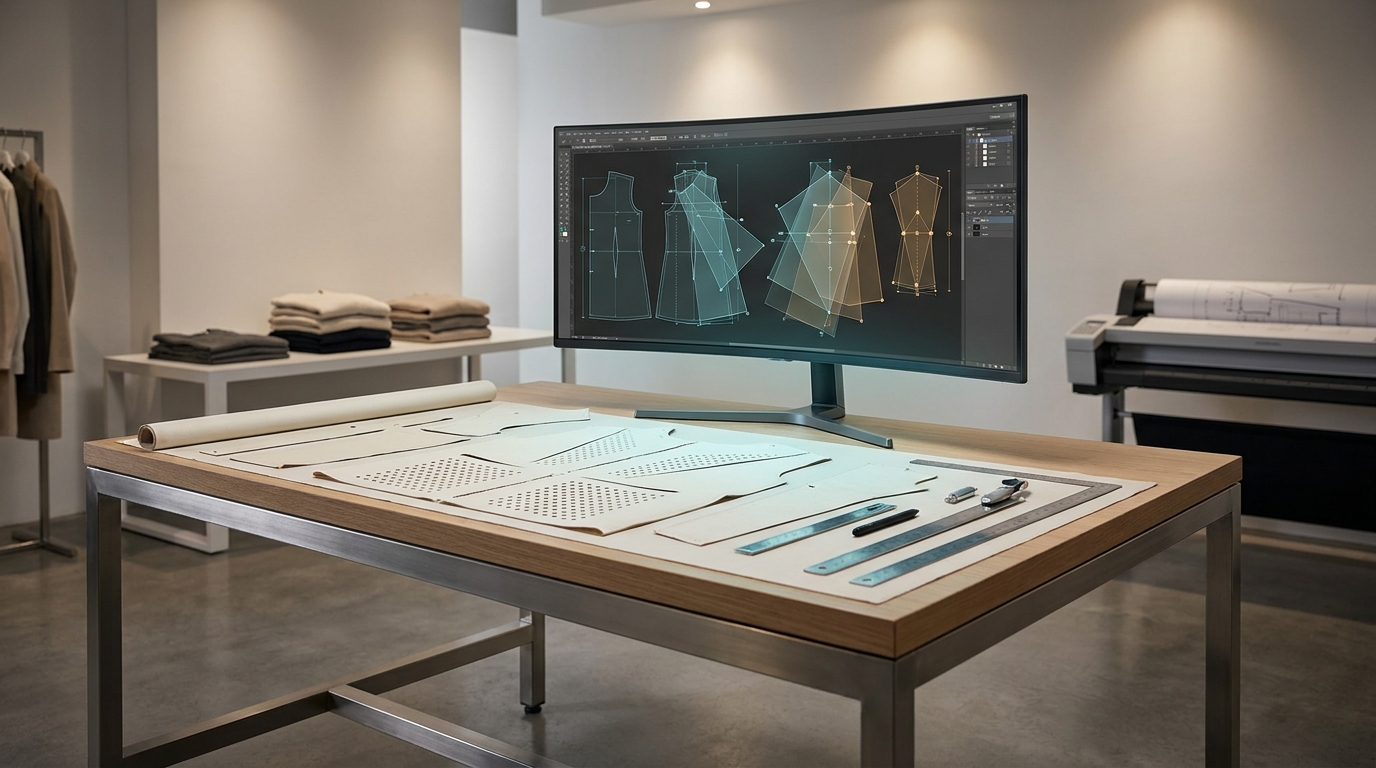
The .DXF (Drawing Exchange Format) file has been the backbone of apparel CAD for decades. Every major pattern system, Gerber AccuMark, Lectra Modaris, Optitex, CLO3D, Browzwear, reads and writes it. But the conversation around .DXF files in fashion has long stayed narrow: export the pattern, send to a cutter, done.
That's no longer where the value lives. In 2025 and 2026, the .DXF is functioning as the connective tissue between design intent, digital fabrication, 3D simulation, automated production, and even AI-trained fit intelligence. Below are five concrete ways forward-thinking designers and brands are getting far more out of every .DXF file they create.
Laser and CNC cutting as a precision embellishment tool
When fashion editors and designers talk about laser cutting, they usually mean intricate surface work: perforated leather, cut-out florals, geometric lace-like panels. What makes .DXF indispensable here is its vector precision. The same file that defines a seam line can also carry exact coordinates for a 0.5mm cut-through or an engraved surface texture without any redrawing.
Oscar de la Renta, Chanel, and Christian Louboutin have each applied laser-cut detailing as a signature craft technique, according to New York Embroidery Studio's overview of the practice. At the emerging brand level, the same workflow is accessible: design the cut path directly in your CAD software, export as .DXF, load into the laser controller. No conversion step, no geometry loss.
- Draft the garment panel in Gerber or Lectra
- Add a dedicated layer for laser paths (use a distinct line color or layer name)
- Export as .DXF, keeping layer structure intact
- Import into the laser cutter's software (most CO2 machines accept .DXF natively)
- Run a test on scrap fabric to calibrate power/speed before the final cut
This approach also works for CNC blade cutting, where the .DXF marker is sent directly to automated cutting hardware from providers like Gerber or Lectra, eliminating hand-cutting entirely.
Parametric patterns and on-demand size customization
Parametric design treats a pattern as a system of variables rather than fixed lines. Change one measurement, say, the hip circumference, and every related seam, ease allowance, and dart shifts accordingly. The output of that system is still a .DXF file, but one that can be regenerated from new inputs in seconds.
In practical terms, this means a single parametric block can serve made-to-measure orders without a pattern maker manually re-drafting each size. A 2023 Taylor & Francis study on evolving pattern practice confirmed that mathematical formulas combined with anthropometric data are increasingly used to auto-calculate appropriate sizes and adjustments. Brands building direct-to-consumer customization programs are already deploying this: the customer enters measurements, the parametric engine runs, and a production-ready .DXF is queued for cutting.
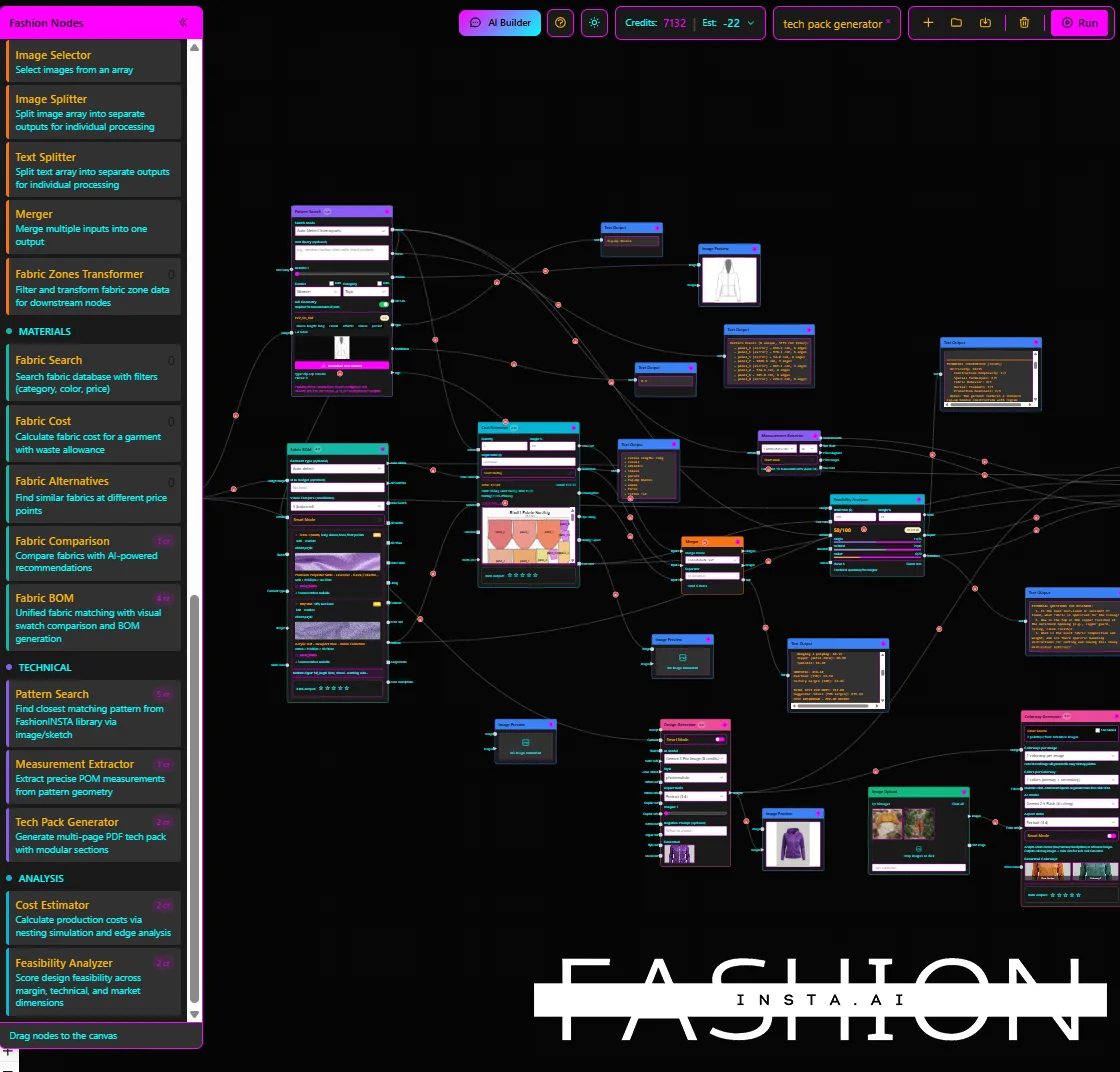
Tools that support this workflow include Rhino/Grasshopper (common in experimental design) and, at an AI level, platforms like FashionINSTA that can retrieve the closest matching .DXF from a trained pattern archive or generate new patterns from a brand's existing fit blocks, removing the manual drafting step almost entirely.
The result isn't just faster. It preserves brand fit DNA across every custom order, which is a real problem when sizing is handled ad hoc. Teams dealing with this challenge will recognize the pattern: every one-off adjustment introduces drift. A parametric .DXF system closes that loop.
.DXF as the bridge to 3D e-commerce assets and virtual try-on

A .DXF pattern file is the fastest path into a 3D simulation environment. Both CLO3D and Browzwear accept .DXF imports directly, allowing pattern pieces to be sewn onto a digital avatar and rendered into photorealistic garment visuals, all before a single physical sample is cut.
For e-commerce, this matters on two levels. First, brands can generate front, back, and 360-degree product visuals from the same .DXF used in production, so the digital image is geometrically accurate, not a stylized render that misrepresents drape or fit. Second, those 3D files (.glb.obj) can feed directly into web-based virtual try-on tools, letting shoppers interact with a garment that shares its exact structure with the factory pattern.
The workflow from .DXF to published e-commerce image now takes hours rather than weeks, and it eliminates the photography round-trip for early-stage styles. Platforms like FashionINSTA extend this further: their Media & Render Nodes generate editorial and lifestyle imagery tied to the underlying pattern geometry, so the visual and the technical asset stay in sync as designs evolve.
For brands managing hundreds of SKUs, the efficiency is substantial. Physical sample photography typically runs $500–$2,000 per style at mid-market scale. Replacing even a portion of that with .DXF-derived renders changes the economics of product development significantly.
Automated marker making and cutting-room integration
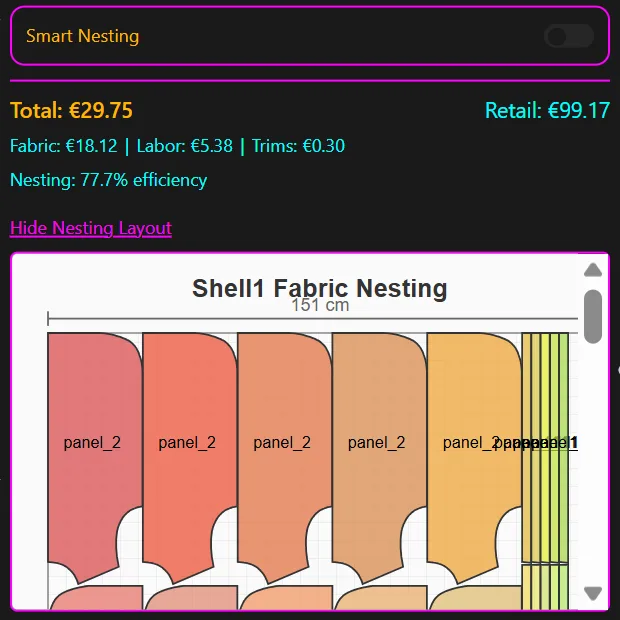
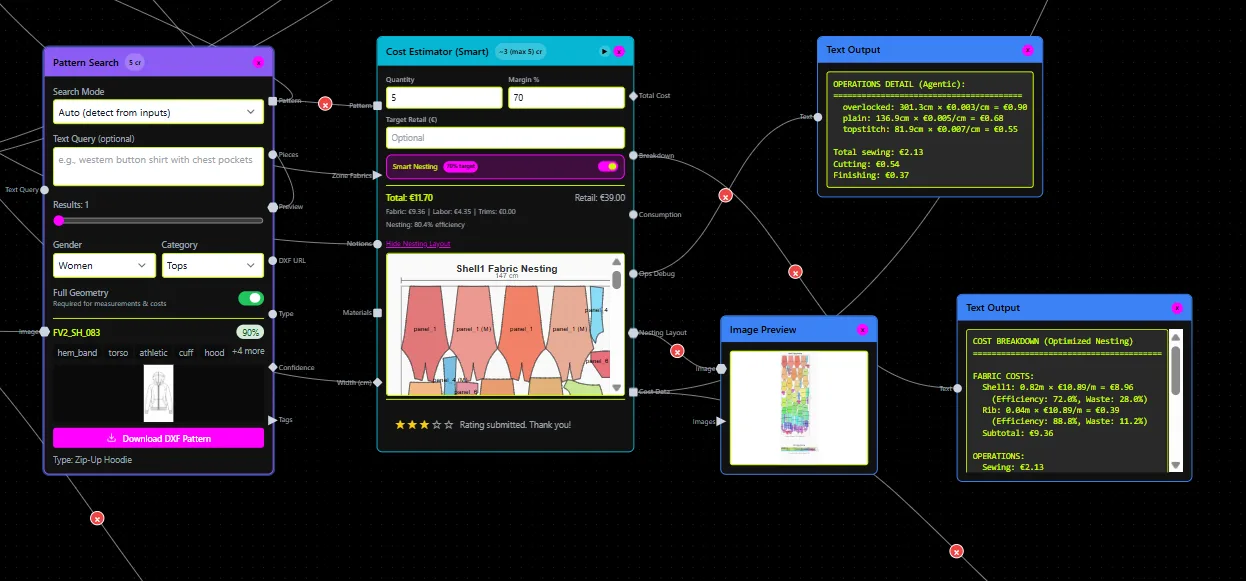
Marker making, the process of arranging pattern pieces on a fabric lay to minimize waste, has always been a downstream step after .DXF export. What's changed is how automated and fast that step has become. Modern nesting engines (Lectra Diamino, Gerber AccuNest) accept .DXF inputs and run AI-assisted placement algorithms that maximize fabric utilization within minutes, with some systems reporting waste reductions of 15% or more compared to manual marker layouts.
Once the marker is approved, the same digital file drives the cutting machine. There's no re-entry, no plotter paper, no manual interpretation. A Lectra May 2025 update on cutting-room technology describes how digital pattern-making and automated nesting are now standard tools for reducing human error and maximizing fabric yield at scale.
For brands producing 1,000+ SKUs per season, this pipeline, from approved .DXF in a PLM to cut fabric on the floor, is where hours of labor per style get eliminated. The .DXF isn't just a pattern file at that point; it's a production instruction that the factory can execute without manual intervention.
This is also where AI-assisted pattern workflows create compounding value: patterns generated in minutes feed directly into marker-making queues, compressing development timelines from weeks to days.
PLM and API handoffs: .DXF as a production data carrier
Modern PLM systems (Centric PLM, Backbone PLM, Lectra Fashion PLM) store approved .DXF files alongside tech packs, BOMs, and costing data. When a pattern is approved, the .DXF doesn't just sit in a folder, it becomes a live record that version-controls every change and syncs with downstream manufacturing partners via API.
This is the .DXF's most underused capability in smaller organizations. The file format was designed for data exchange, but many brands treat it as a final deliverable rather than an input to a connected system. At enterprise scale, the difference is measurable: a 2026 Scribd analysis of CAD workflows notes that PLM integration with pattern approval and marker making eliminates version errors that otherwise require re-sampling.
The emerging pattern (no pun intended) is brands using .DXF files as API payloads, a pattern change triggers an automated update to the BOM, the costing model, and the marker file simultaneously. FashionINSTA's enterprise tier supports this directly through its API connectivity and custom node architecture, allowing brands to wire .DXF generation into existing product development infrastructure rather than treating it as a standalone step.
What makes a .DXF production-ready: a quick checklist
Not every .DXF is factory-ready. Before sending a file downstream, to a cutter, a 3D simulation platform, or a PLM, check these:
- Layers are named consistently (cut line, stitch line, grainline, notches, drill holes as separate layers)
- Units are set correctly (AAMA/ASTM-format .DXFs use specific unit conventions; confirm your CAD output matches the receiving system's expectation)
- Notches and drill holes are present as discrete entities, not just implied by geometry
- Grain lines are included on every panel
- The file is in the correct DXF variant (standard .DXF vs. AAMA .DXF behave differently in apparel software; check compatibility with your downstream tool)
- All sizes are graded and labeled if the file is going to marker making
- No duplicate or overlapping lines, these cause errors in automated cutting systems
If your current workflow produces .DXF files manually and any of these checks fail regularly, it's worth auditing whether your traditional CAD process is creating downstream rework that isn't being counted as a cost.
Where this is heading
The .DXF file isn't going away. If anything, it's becoming more central as the fashion industry connects design, production, and digital commerce into a single data pipeline. The brands getting the most out of it are the ones who treat the .DXF not as an end product but as an input, to cutting machines, to 3D environments, to PLM records, to AI training sets that learn a brand's fit philosophy from thousands of accumulated patterns.
The file format is 40 years old. What's new is everything it can connect to.