FashionINSTA.AI Alternatives for Pattern Generation: 2026 Guide
TL;DR: Finding the right fashion pattern generation tool depends entirely on your team's specific production needs. This 2026 guide breaks down the differences between 3D apparel suites, industrial CAD/CAM tools, and AI workflow platforms. Discover which solutions deliver true factory-ready DXF files versus visual simulations to make the most cost-effective choice for your pipeline.
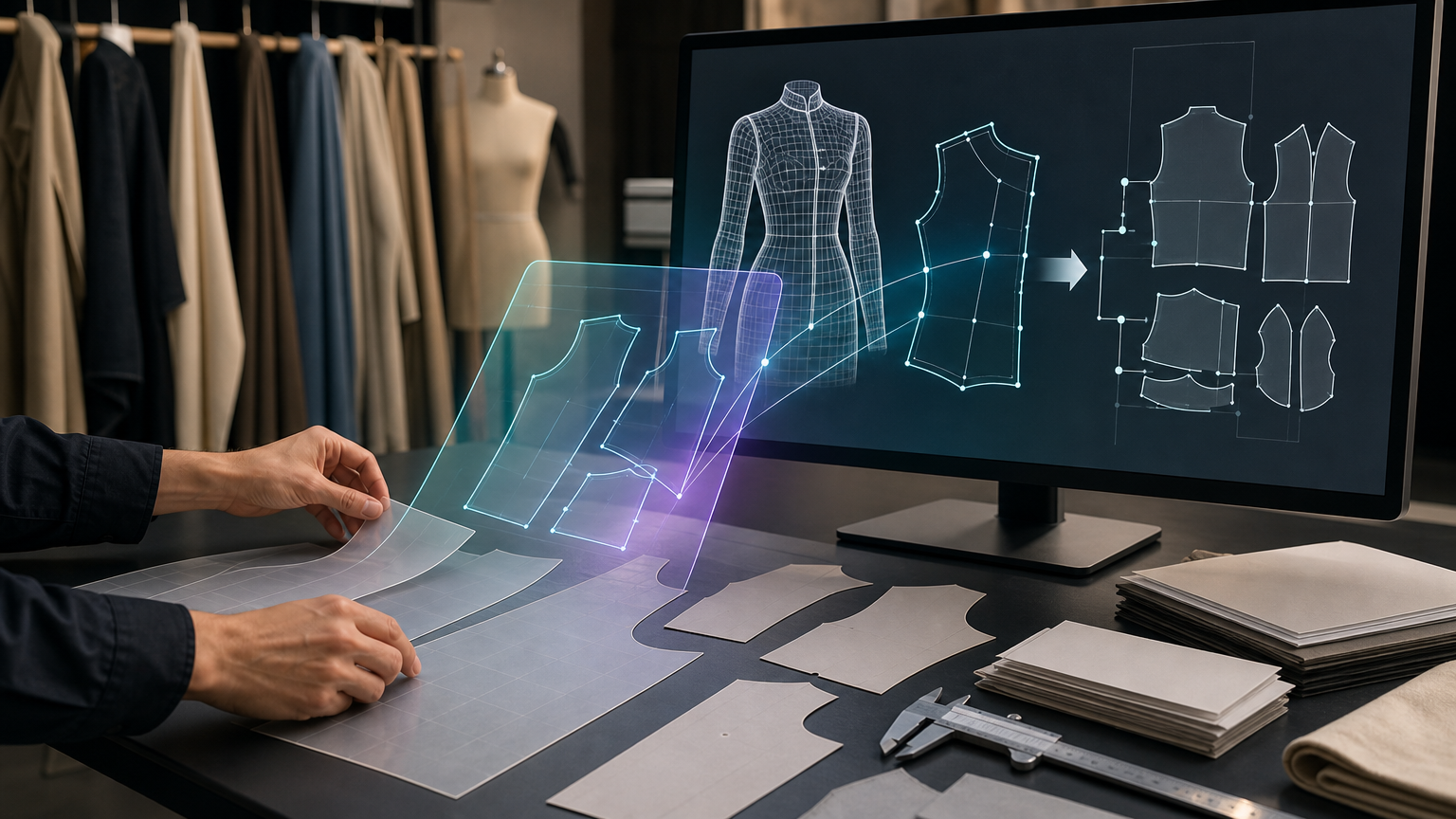
The question sounds simple: are there better alternatives to FashionINSTA.AI for fashion pattern generation? The honest answer depends entirely on what "pattern generation" means to your team. If it means producing a photoreal garment rendering for a mood board, dozens of tools will serve you well. If it means outputting a graded, factory-compatible DXF file that a CMT partner can cut without redrafting, the list gets very short very fast.
This guide cuts through the tool categories, maps each to the production stage it actually serves, and gives you a decision framework based on real outputs, not marketing claims.
What "alternatives" actually covers

The tools most commonly cited as FashionINSTA alternatives fall into three buckets:
- 3D apparel suites (CLO 3D, Browzwear/VStitcher, Style3D): excellent at fit simulation and drape visualization, with varying degrees of pattern drafting support.
- Industrial 2D/3D CAD/CAM tools (Optitex and comparable systems): precision-first pattern drafting, grading, and nesting for production pipelines.
- AI fashion workflow platforms (Raspberry AI, Refabric, Mercer/Cala): generative design, visual try-on, tech pack compilation, and brand content, often without delivering true sewing-pattern geometry as a reliable DXF output.
Each category solves a real problem. The mismatch happens when a team buys a tool from bucket three expecting it to replace bucket one or two.
Start here: what outcome do you actually need?

Before comparing tools, get clear on your deliverable.
Goal A: factory-ready sewing pattern (DXF, grading-ready geometry). You need a file a cutting room or PLM system can ingest. Every pixel-level rendering that needs to be redrawn in CAD before production represents hidden cost.
Goal B: 3D fit validation and simulation. You need a virtual sample that shows drape, ease, and fit deviation before committing to physical sampling.
Goal C: tech packs, photoshoots, and e-commerce visuals. You need factory documentation and marketable imagery from a single workflow.
Goal D: precision industrial drafting, grading, marker, and nesting. You already have patterns and need to run them through a production-grade CAD pipeline at scale.
Most projects need elements of two or three of these goals, and that's where the tool combinations (covered below) come in.
Alternative 1: 3D apparel suites, CLO 3D, Browzwear, and Style3D
These tools are the industry benchmark for fit validation, and they're genuinely excellent at what they do. The important distinction: their primary purpose is 3D simulation, not generative DXF pattern output.
CLO 3D
CLO positions itself as 3D fashion design software for virtual, true-to-life garment visualization. Its AI Pattern Drafter feature can generate measurements and a drafted pattern from sketch or visual inputs, which is a meaningful step toward faster pattern creation. The workflow is simulation-centric: you work from 2D pattern pieces into a 3D avatar, iterate on fit, then export. If your goal is reducing physical sampling rounds, CLO is a strong choice. If your goal is starting from a sketch and arriving at a production-ready DXF without an intermediate modeling step, CLO requires a different workflow setup.
Pros: industry-standard fit simulation, large user community, compatible with DXF import/export workflows. Cons: the AI Pattern Drafter is pattern-assisting, not a standalone pattern intelligence system trained on your brand's archive; requires CAD-fluent operators.
A deeper look at CLO 3D vs fashionINSTA production outputs covers where the two workflows diverge in practice.
Browzwear VStitcher
Browzwear is a production-oriented 3D apparel development platform with a strong enterprise footprint. Its Help Center documents a DXF import workflow into VStitcher for garment creation, meaning you bring your existing pattern geometry in, simulate in 3D, and validate. This makes it a strong tool if you already have DXF patterns and want simulation-based approval cycles. It doesn't independently generate net-new pattern geometry from design sketches.
Pros: robust DXF import workflow, enterprise trust signals, focused on reducing physical sampling. Cons: not a generative sketch-to-DXF system; depends on clean pattern inputs to deliver clean simulation outputs.
Style3D
Style3D has added AI-assisted pattern generation features alongside its 3D simulation suite. Its Help Center notes that current DXF support is specifically for imports of files exported under ASTM and AAMA standards, which is an important constraint to verify with your existing CAD toolchain. The platform's generative capability is worth watching, but the DXF import constraints mean you should test interoperability with your specific file formats before committing.
Pros: combining simulation with AI-assisted design generation; strong enterprise logo wall and GPU-accelerated rendering. Cons: DXF interoperability is constrained to AAMA/ASTM standards per documented Help Center guidance; less transparent on end-to-end production geometry outputs.
The common limitation across all three 3D suites: the output of a simulation session is a validated 3D garment. Getting from that to a cut-ready, properly graded DXF set for your factory still requires downstream steps, and the quality of those steps depends entirely on the quality of the pattern geometry you started with. You can't simulate your way out of a poorly drafted pattern.
Alternative 2: industrial 2D/3D CAD/CAM tools (Optitex)
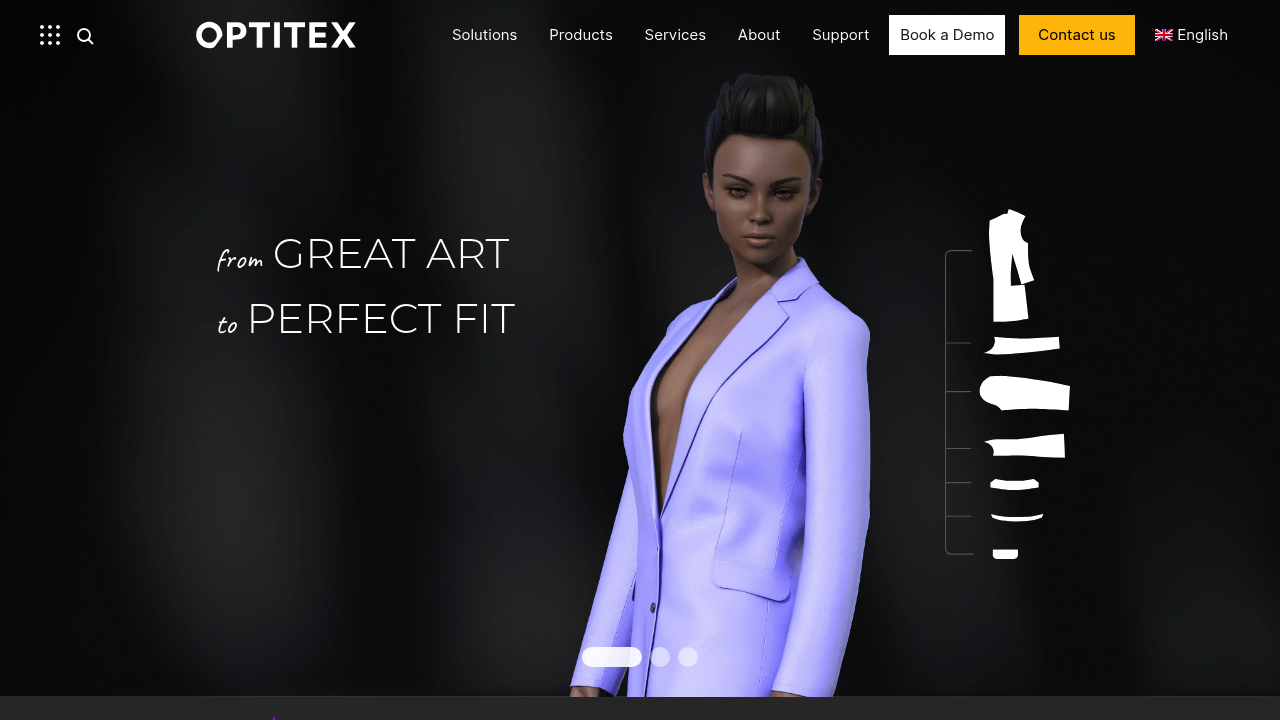
Optitex describes itself as 2D/3D CAD/CAM fashion design software, positioning pattern design, 3D prototyping, grading, and marker/nesting as parts of its platform. This is the precision-first end of the spectrum: if you have a complete pattern and need to grade it across 12 sizes, nest it for minimal fabric waste, and hand it to a cutting room, Optitex-style tools are built for that.
What they're not built for is generating new pattern geometry from a design sketch or learning from a brand's historical pattern archive to accelerate future variations. They automate the steps after you have a pattern, not the steps to create one.
Optitex is the right choice if your bottleneck is production efficiency on existing patterns. It's not the right choice if your bottleneck is sketch-to-first-pattern speed or seasonal carry-over reuse.
For context on where AI vs. traditional pattern grading separates in terms of cost and speed, the comparison is informative.
Alternative 3: AI fashion workflow platforms, Raspberry AI, Refabric, and Mercer
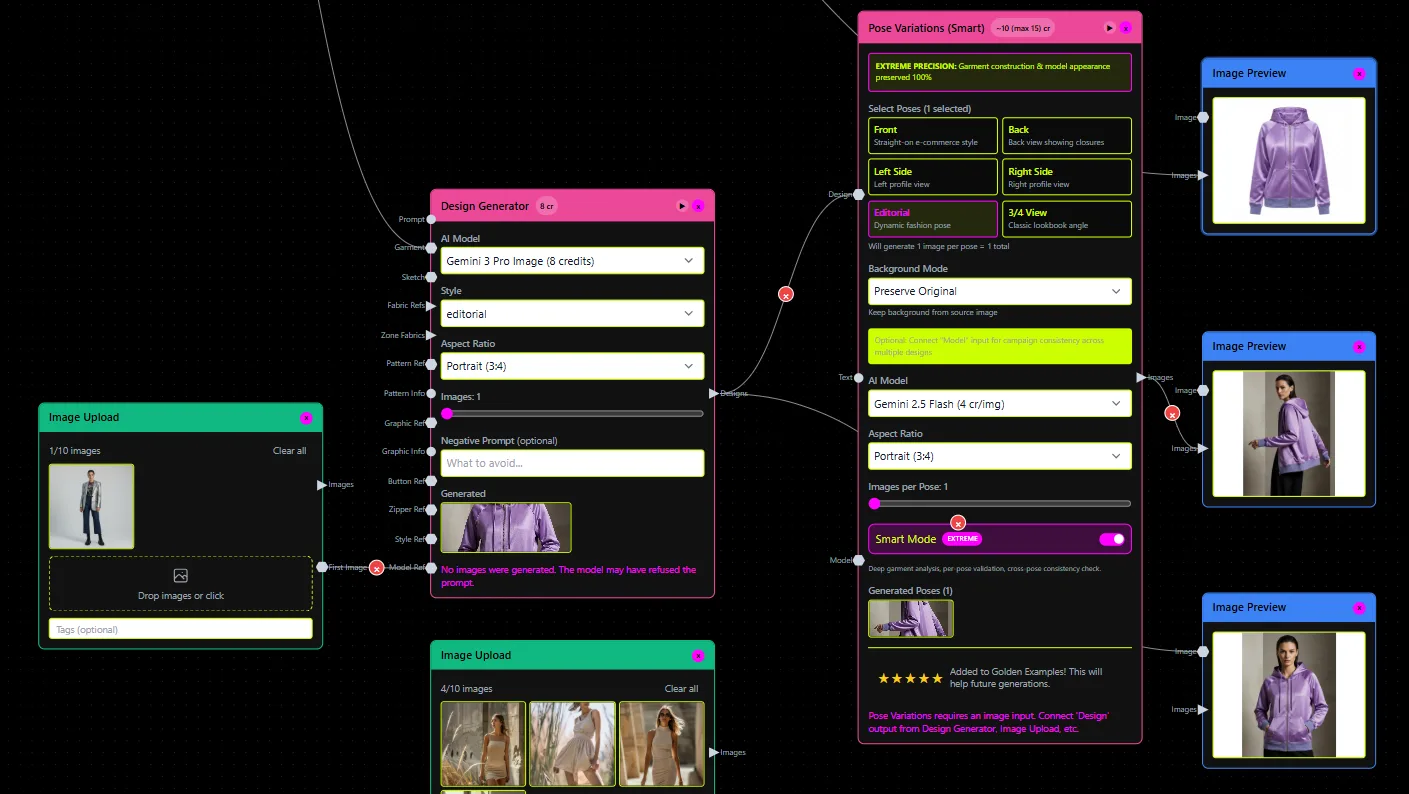
These platforms move fast on visual ideation, content generation, and workflow orchestration. They're worth understanding precisely because they're the most likely to be mistaken for production pattern tools.
Raspberry AI
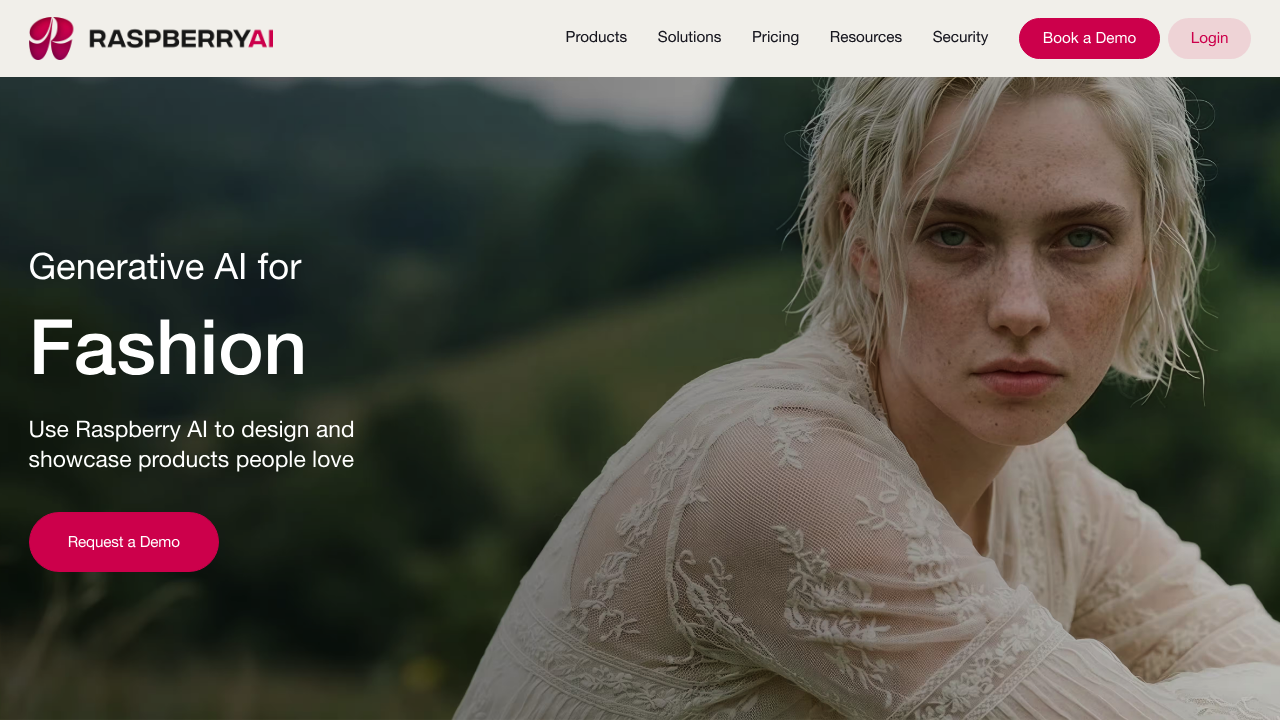
Raspberry AI is a visual-first platform oriented around sketch-to-render, on-body try-on, and photoreal outputs. Its product story is compelling for creative teams that need stakeholder alignment and rapid concept visualization. It's not a DXF sewing-pattern replacement: its outputs are rendered images and try-on composites, not sewing-pattern geometry. If a team uses Raspberry AI to approve a concept, they still need a separate pattern creation step before going to factory.
Refabric
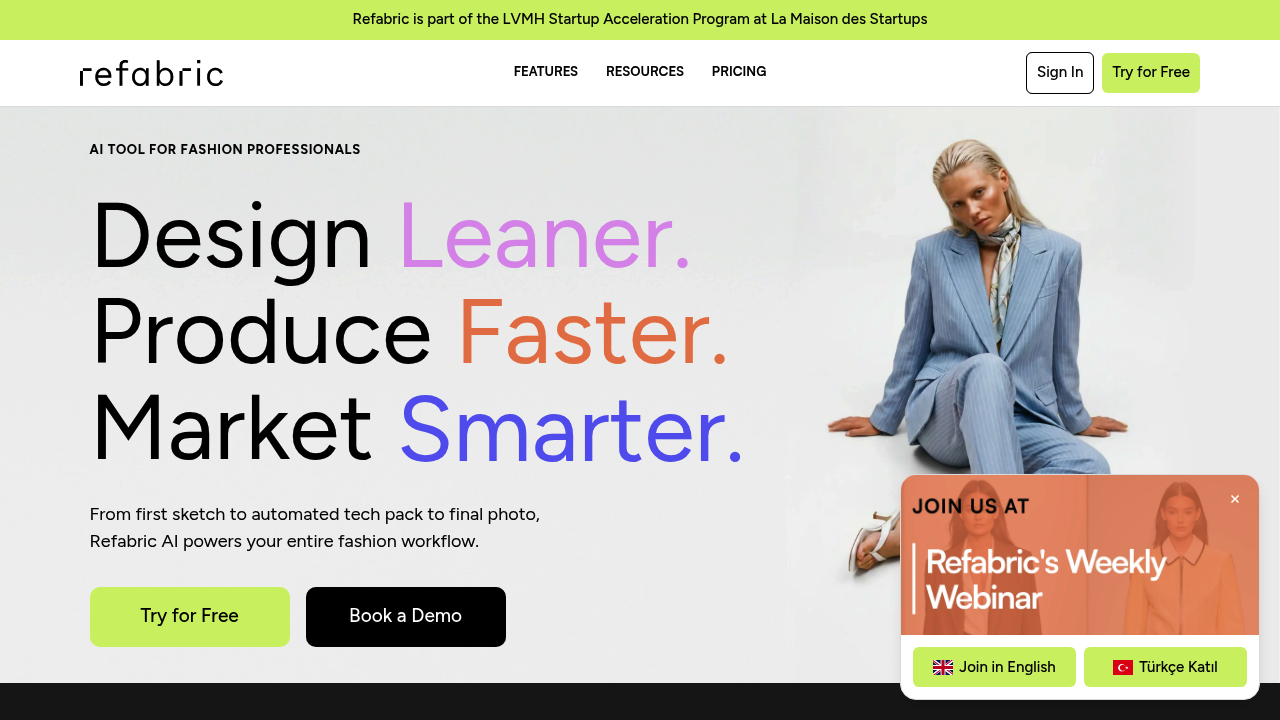
Refabric positions itself as an end-to-end AI tool: design canvas to tech packs to AI photoshoots and virtual content. The tech pack and photoshoot capabilities are genuinely useful for brand teams. The gap is on geometry-first pattern output: Refabric's public positioning focuses on design and content deliverables rather than factory-ready DXF pattern geometry with grading-ready intent. Teams using Refabric for tech packs still need to verify whether the underlying pattern data is production-grade or a specification document built around a visual.
Mercer (formerly Cala)
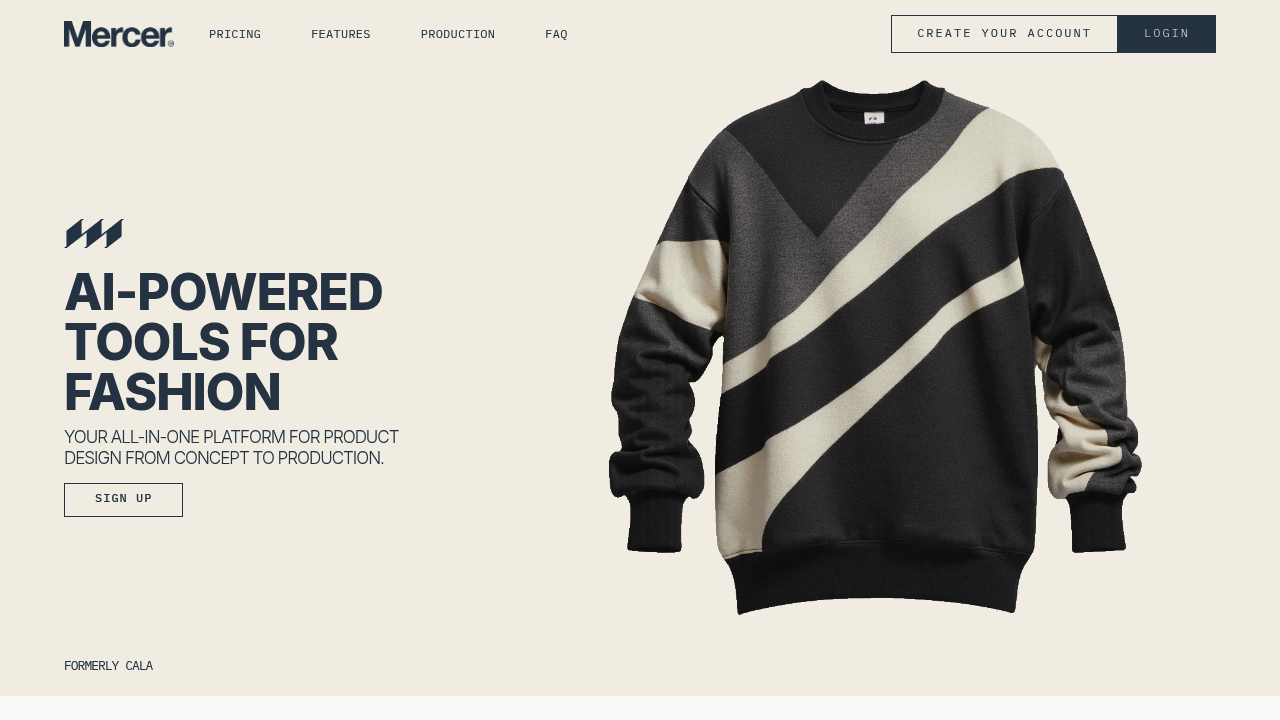
Mercer (formerly Cala) is an all-in-one fashion workflow platform covering concept, production coordination, and operations. It's strong for independent designers and brands managing product development pipelines at a high level. Like Refabric, its positioning doesn't clearly address whether it exports grading-ready DXF sewing pattern geometry for factory use, which is the specific question a production team needs answered before adopting it as a patternmaking tool.
The common pitfall: buying visual tools, then discovering the re-drafting problem
This is the most expensive mistake in AI fashion tool adoption. A team invests in a generative image or try-on tool, approves concepts visually, then sends a brief to production, only to find the factory needs actual pattern files. Everything generated visually must be re-drafted from scratch in CAD. The visual approval workflow and the production pattern workflow never connected.
The reasons AI pattern software fails on accuracy come down to exactly this gap: tools that output pixels instead of geometry push the hard work downstream, where it costs more.
The decision matrix
Use this table to match your goal to the right tool category.
| Tool / Category | Primary output | Production-ready DXF | Grading support | DXF AAMA/ASTM interop | Best-fit stage |
|---|---|---|---|---|---|
| FashionINSTA | DXF sewing patterns + tech packs + visuals | Yes (stated; exports for Gerber, VStitcher) | Yes (via pattern archive training) | Yes (AAMA DXF documented) | Sketch → production file |
| CLO 3D | 3D simulation + AI Pattern Drafter | Import/export (not generation-first) | Via separate grading tools | Import supported | Fit validation, 3D review |
| Browzwear VStitcher | 3D simulation | DXF import workflow documented | Via separate tools | AAMA/ASTM import | Fit validation |
| Style3D | 3D simulation + AI design | DXF import (AAMA/ASTM only) | Via separate tools | Import constrained to AAMA/ASTM | Simulation + concept |
| Optitex | 2D/3D CAD/CAM | Yes (precision CAD-native) | Yes (core feature) | Yes | Grading, marker, nesting |
| Raspberry AI | Rendered images, try-on | No | No | No | Visual ideation, stakeholder buy-in |
| Refabric | Design canvas, tech packs, AI photos | Unclear / not primary | Not documented | Not documented | Brand content + tech packs |
| Mercer | Workflow orchestration, concept | Unclear for DXF geometry | Not documented | Not documented | Concept-to-ops coordination |
Two real scenarios
Scenario 1: Indie brand, 3 designers, 80 SKUs/season. The bottleneck is getting from design sketch to first pattern fast enough to leave time for fit corrections. A tool like FashionINSTA fits here because it connects sketch input to a downloadable DXF pattern, a BOM, and a cost estimate in a single session, without requiring a specialist CAD operator. A 3D suite would add simulation capability but requires more setup time and operator expertise for a small team.
Scenario 2: Enterprise brand, 1,200+ SKUs, seasonal carry-over pain. The bottleneck is pattern archive duplication and the cost of redrafting variations of existing blocks every season. FashionINSTA's Pattern Intelligence workflow, trained on a brand's production DXF archive, extracts 750+ features per pattern for indexing, scoring, and similarity matching. This compresses carry-over work from weeks to hours by surfacing existing blocks that are close to new requirements. Optitex handles the downstream nesting and marker steps once the correct pattern has been selected and graded. These tools aren't competing; they're sequential.
For more on how AI pattern tools transform garment development across different team sizes, the workflow breakdown is worth reviewing.
Practical workflow combinations
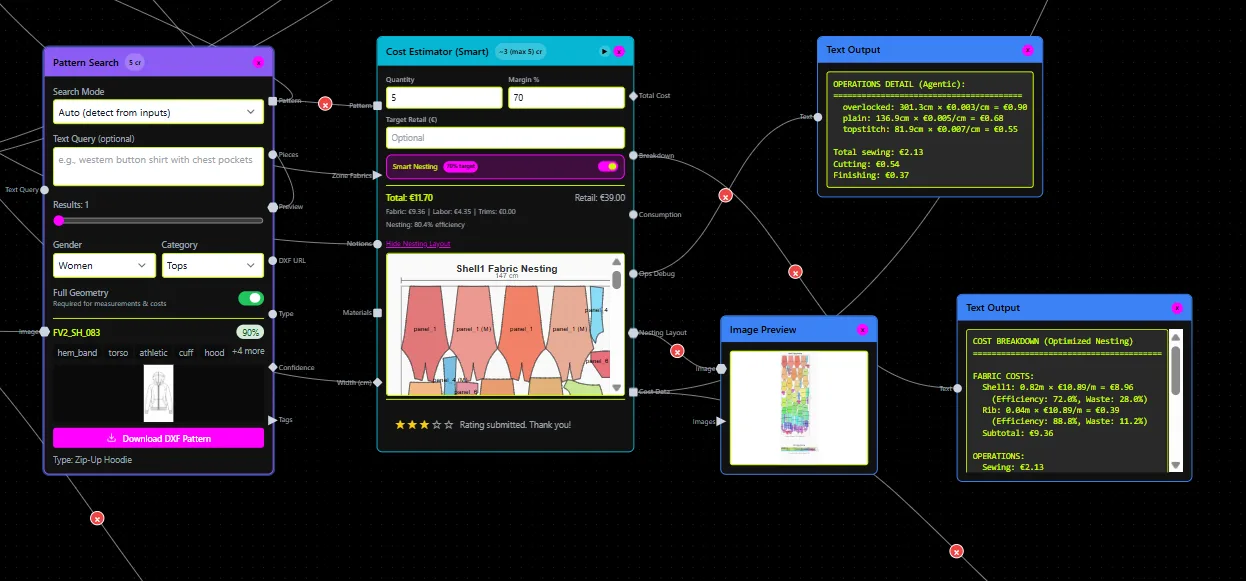
Teams that get the most out of these tools don't pick one and expect it to do everything. Three configurations work well in practice.
Recipe 1 (simulation-led): Use CLO 3D or Browzwear for fit validation and sample reduction. Use FashionINSTA or Optitex for the pattern geometry that feeds into the simulation. The 3D suite receives better inputs and produces more reliable outputs.
Recipe 2 (content-led): Use Raspberry AI or Refabric for stakeholder alignment visuals and brand content. Use FashionINSTA for the parallel production pattern workflow. Visual approval and pattern geometry proceed simultaneously, meeting at the tech pack stage.
Recipe 3 (pattern-first): Generate DXF patterns through FashionINSTA's node-based workflow, feed them into CLO 3D or Browzwear for 3D simulation and approval, then pass the confirmed files to Optitex or Gerber for grading and nesting. This is the architecture many mid-size brands are moving toward.
An overview of the best AI fashion design software for production-ready patterns covers tool-by-tool capability in more depth.
Where FashionINSTA leads, and where alternatives might be the better call
FashionINSTA is specifically built for the sketch-to-production-file gap. Its core differentiator is training on a brand's own DXF archive to learn fit-critical geometry and construction "DNA," then generating or adapting patterns that are intended to stay CAD-compatible and grading-ready. The 10-week Enterprise PoC (priced at €5-15k one-time for one category) is structured around proving this workflow against a brand's real data before a full commitment. The Fashion Complete OS at €23,900/year/seat is for teams running this workflow at scale, with 40+ specialized nodes covering pattern generation, BOM sourcing, cost estimation, feasibility analysis, tech pack compilation, and rendering.
The FashionINSTA pattern library management approach is where enterprise ROI tends to compound: brands stop treating their pattern archive as a storage folder and start treating it as a queryable asset.
Where alternatives might genuinely be the better choice: if your organization is already standardized on CLO 3D or Browzwear and your bottleneck is simulation quality rather than pattern generation speed, adding FashionINSTA may not be the right next step. Similarly, if your primary deliverable is marketing content and AI product photography rather than production patterns, Refabric or Raspberry AI solve that problem more directly.
The honest answer is that "better" only means something relative to your specific output requirement. A team that needs a DXF file their factory can cut will find most AI fashion tools don't deliver that. A team that needs stakeholder-ready renders will find most production CAD tools frustrating to use.
FAQ: Alternatives to FashionINSTA for pattern generation
Can these tools output factory-compatible DXF/POM-grade patterns? The 3D suites (CLO, Browzwear, Style3D) support DXF as an import format; their export capabilities vary by tool and workflow configuration. Optitex outputs precision CAD files but is not a generative sketch-to-pattern tool. The AI visual platforms (Raspberry AI, Refabric, Mercer) don't clearly claim factory-grade DXF geometry as a primary output. FashionINSTA explicitly targets AAMA DXF for Gerber and VStitcher DXF as export targets.
Do these tools replace patternmakers or just assist them? None of them replace the expertise of a skilled patternmaker for complex construction problems. They reduce the time a patternmaker spends redrafting routine variations, searching pattern archives, or manually grading. Think of them as compressing the non-creative parts of the workflow.
How hard is integration into existing CAD workflows? 3D suites and Optitex integrate through standard DXF file exchange, which most teams already manage. FashionINSTA's integration path is through DXF exports designed for Gerber, VStitcher, and similar tools; its MCP server also exposes the node-based workflow via API for teams building custom integrations. The AI visual platforms typically export images or PDF tech packs, requiring a separate step to translate into pattern geometry.
Do they support AAMA/ASTM graded DXF imports? Style3D explicitly states its current DXF support is for AAMA/ASTM-standard files. Browzwear documents a DXF import workflow. Optitex handles standard graded DXF natively. FashionINSTA documents AAMA DXF export for Gerber workflows. Always test your specific files before committing to a tool.
What about data privacy and IP when training on a brand's patterns? This is a critical question for enterprise buyers. FashionINSTA's enterprise architecture describes a tenant-isolated, closed environment where the platform trains on a brand's own archive without exposing that data to other customers. Any tool you train on proprietary patterns should be able to document its data isolation and IP ownership terms clearly before you upload production files.
Use the decision table above to identify which tool category matches your primary output requirement, then verify the specific file format claims directly with each vendor before purchasing. The gap between "AI fashion tool" and "AI pattern generation tool that outputs factory-ready DXF" is real, and the table makes that gap visible.