Free AI Designers for Fashion in 2026
TL;DR: While free AI fashion tools excel at creating visual concepts and mood boards, they cannot generate the technical files needed for actual manufacturing. Production-ready software is required to produce CAD-compatible patterns, tech packs, and costing data. Platforms like FashionINSTA offer free entry points to explore these technical workflows before you commit to a paid tier.
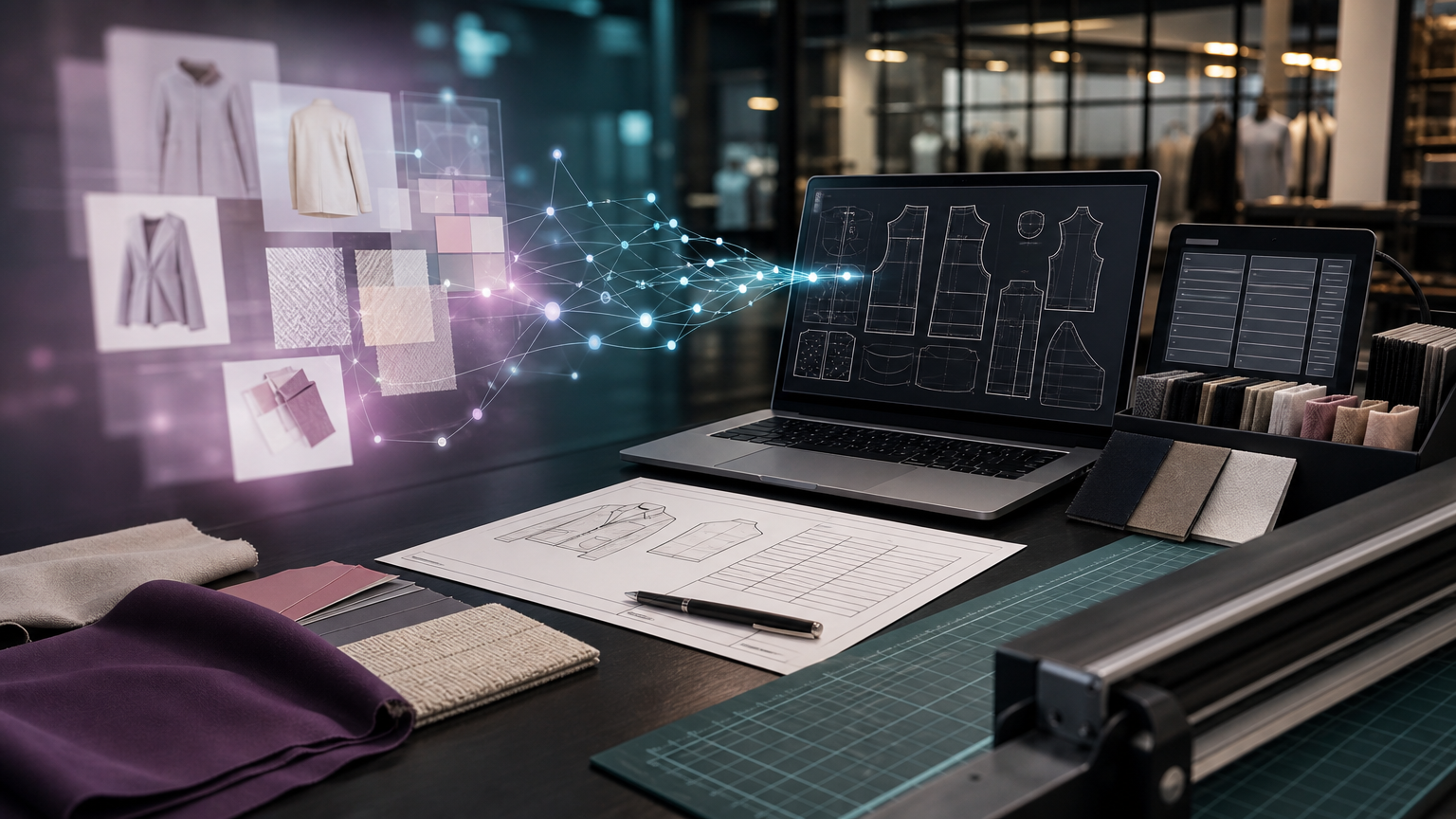
Yes, free AI designers for fashion exist in 2026. But what "designer" means determines everything. If you need outfit concept images, virtual try-on renders, or mood board visuals, there are genuine free options. If you need factory-ready outputs (CAD-compatible .DXF patterns, tech packs, BOM, costing), free tools almost never deliver. That gap is the core of this guide.
Decision rule: If the output is just an image, it's a concept tool. If it outputs .DXF/tech pack/BOM/costing, it's a production tool.
Free AI fashion image generators: what they do and where they stop

Most free AI fashion design tools online are visual generators. They're good at:
- Generating outfit concept visuals from text prompts
- Sketch-to-mockup rendering and color/fabric previews
- Virtual clothing try-on and model renders for marketing
Tools like Nastix Design market themselves as free online clothing design software with a simple 3-step AI workflow. OpenArt's clothing generator produces print-apparel images at up to 4500x5400 px with transparent backgrounds, positioned for print-on-demand uploads. PicLumen offers 10 free Lumens (generation credits) per day and markets itself as "free to start and free to use." Canva's Magic Design gives AI image generation on free accounts too, but it's a general-purpose tool, not a patternmaking system.
What none of these handle: export formats your factory can actually use. There are no graded seam lines, no measurement extraction, no construction notes, and no costing connection. A beautiful render doesn't tell a pattern cutter anything useful.
What a production-ready AI designer actually requires

For a brand moving garments from concept to manufacturer, production-ready AI fashion design software must produce:
- CAD-compatible .DXF patterns graded and cut-ready
- Tech packs with construction notes, measurements, and colorways
- BOM (bill of materials) connected to real fabric suppliers with prices and MOQs
- Cost-of-goods estimates factoring fabric yield, trim, labor, and construction complexity
- Feasibility checks that flag manufacturability issues before sampling
These outputs require AI trained on actual production pattern geometry, not on stock fashion images. That training takes real data, real infrastructure, and real validation. That's why every serious production-workflow tool sits behind a paid tier or an enterprise contract. CLO3D, for example, offers a 14-day free trial for individual license users but requires paid plans for continued access to its DXF-compatible production workflows. AI vs. traditional pattern grading is a fundamentally different comparison than AI image generation vs. photo editing.
What FashionINSTA's free tier gives you (150 credits)
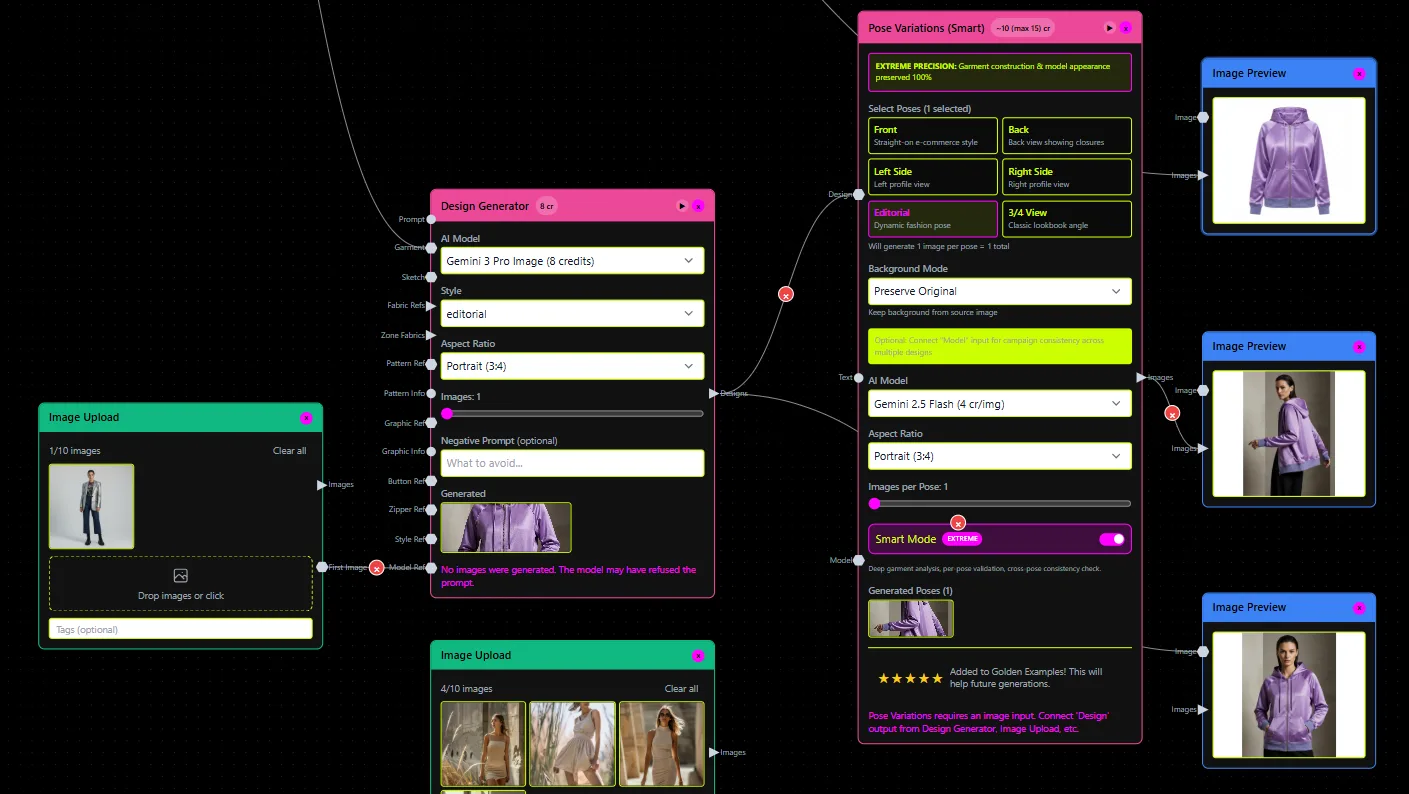
FashionINSTA's entry point is Fashion Nodes, which starts free with 150 credits. That's enough to:
- Explore the node-based workflow builder and understand how production actions connect
- Trial individual nodes (pattern retrieval, render generation, basic spec outputs)
- Evaluate whether the platform fits your product development process before committing
The free tier isn't a replacement for a full patternmaking workflow. It's an honest exploration path. When your goal shifts from experimenting to shipping garments on a production calendar, that's the upgrade trigger.
When to move to paid or enterprise
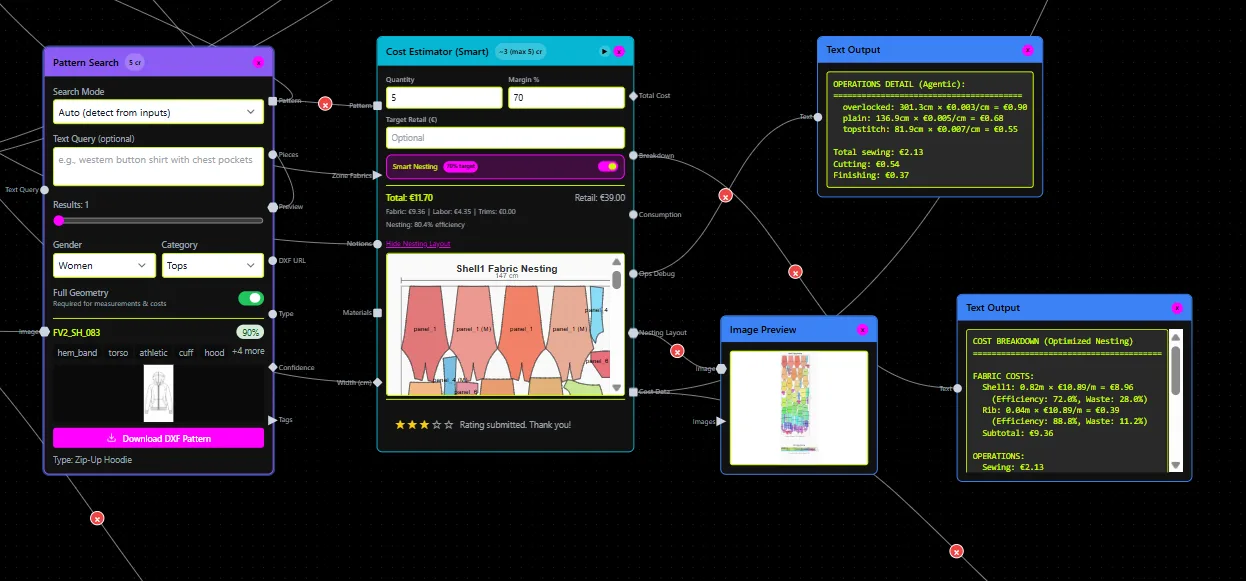
Use this decision guide:
- Indie/early-stage brands: upgrade from free credits when you need downloadable .DXF files and automated tech packs generated in minutes, not hours
- Studios and SMEs: expand into workflow automation when recurring pattern rebuilds and BOM/costing tasks are consuming your team's time every season
- Enterprise brands (1,000+ SKUs/year): FashionINSTA's Pattern Intelligence trains on your proprietary .DXF archive, extracting 750+ features per pattern to encode your fit philosophy and construction DNA, then generates new patterns from your own building blocks. The Enterprise Pilot is a 10-week engagement at €5,000 to €15,000 for one product category, with 10,000 node credits and full onboarding included.
The free vs. paid AI fashion tools question ultimately comes down to output intent: use free image generators to ideate, concept, and market-test; use FashionINSTA when you need manufacturable outputs and faster product development cycles. One produces pictures. The other produces garments.