Best AI Tools for Fashion Designers in 2026: Full Stack Guide
TL;DR: In 2026, the most effective AI fashion tools go beyond generating mood boards to producing factory-ready, CAD-compatible assets. This guide breaks down top platforms across pattern intelligence, 3D visualization, and production, helping you build the exact tech stack your brand needs to scale.
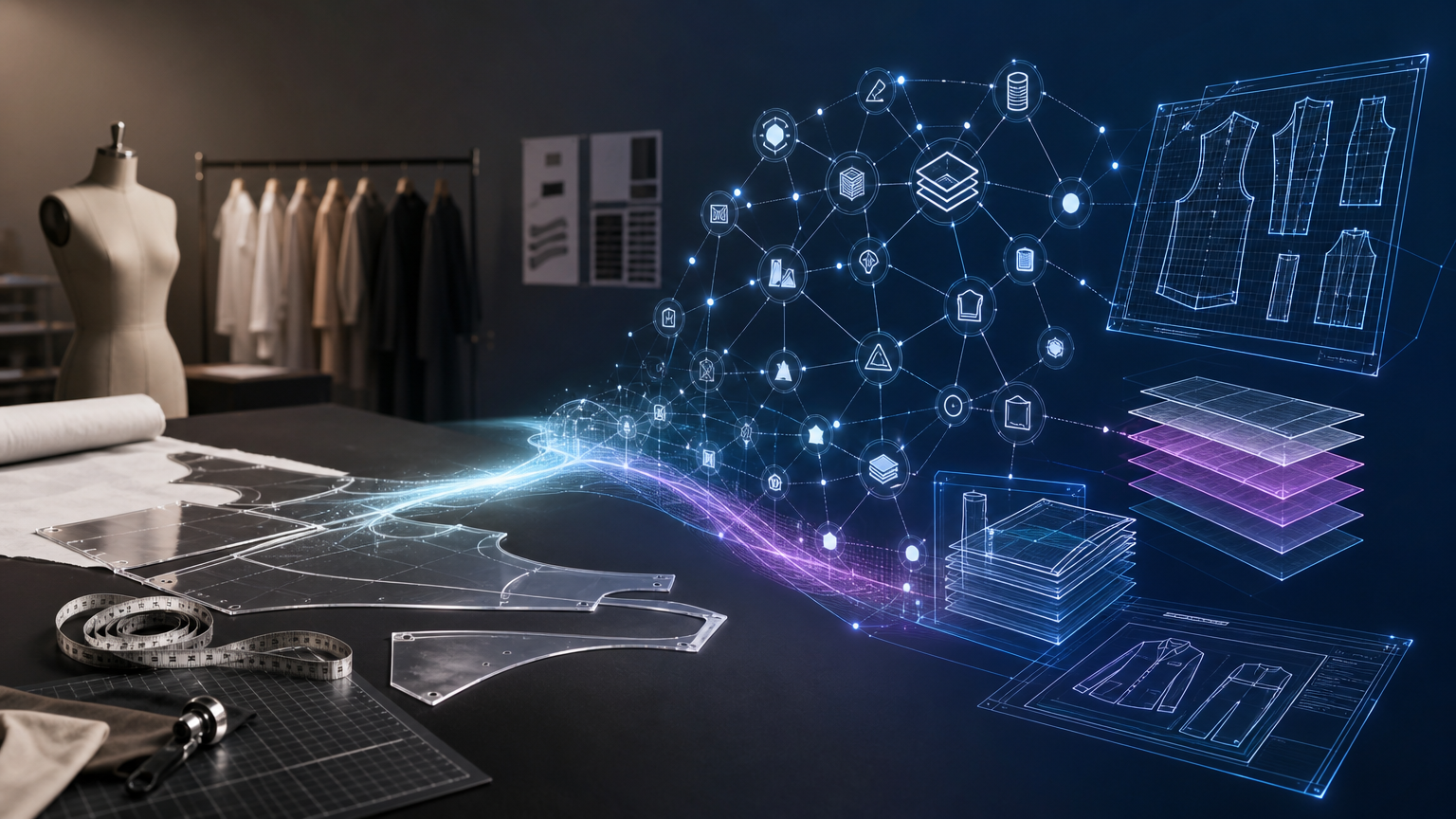
What "AI tools for fashion designers" actually means in 2026

The phrase "AI tools for fashion designers" covers a wide spectrum. At one end: image generators that produce mood boards and editorial renders. At the other: platforms that output downloadable, CAD-compatible .DXF patterns, graded across sizes, with auto-generated tech packs and cost estimates that factories can actually use.
That distinction matters. The bottleneck in most design pipelines isn't inspiration. It's the gap between a design concept and the manufacturable assets required to produce that garment consistently, at scale, within the brand's fit standards. Different tools solve different parts of that problem. The right stack depends on where your workflow breaks.
Tool categories and when to use each
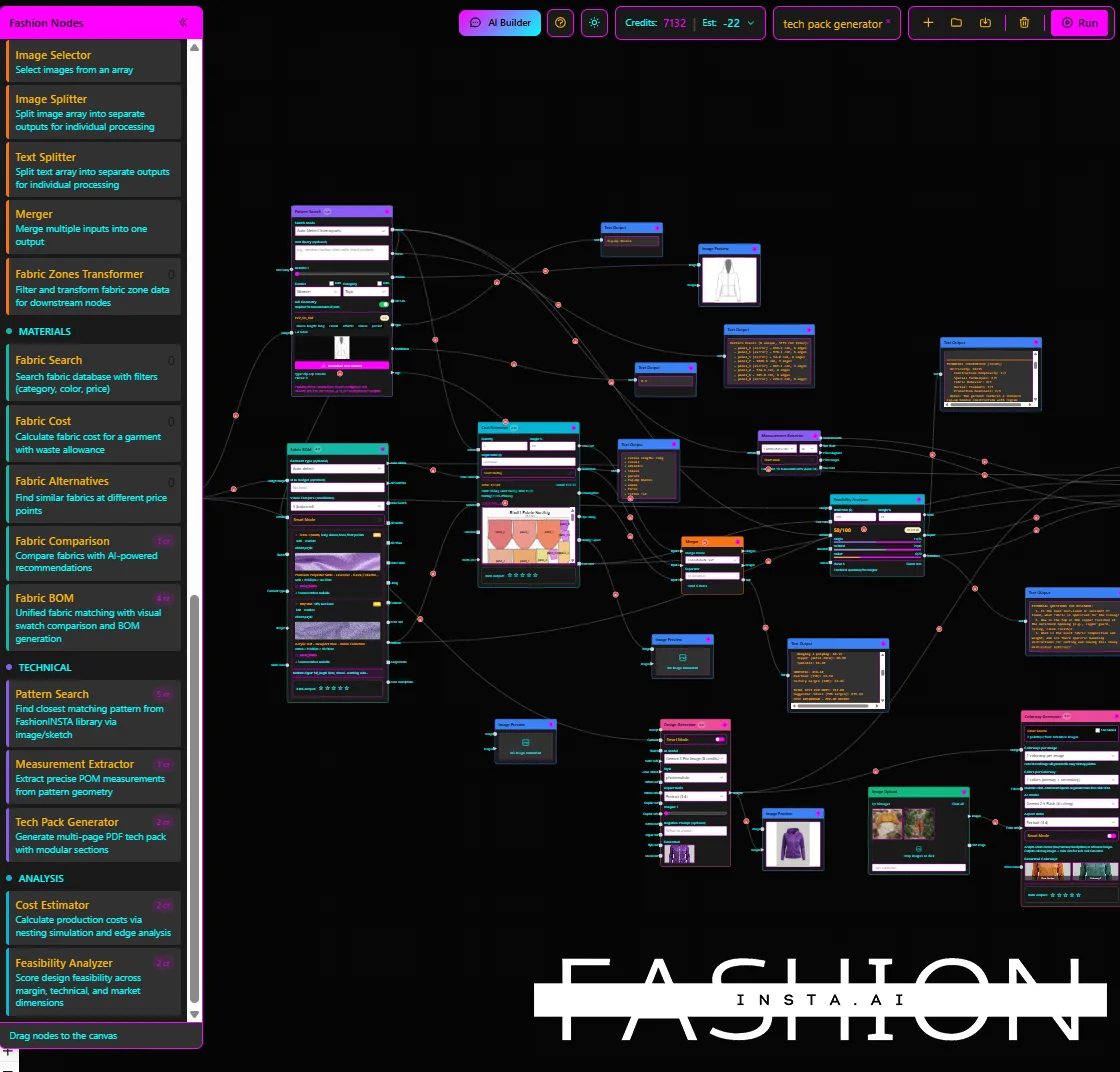
AI fashion tools divide cleanly into five functional categories, each mapping to a specific stage of the product development pipeline.
Pattern generation and pattern intelligence covers tools that output working .DXF files, perform automated grading, and ideally learn from a brand's existing pattern archive to preserve fit-critical geometry across new designs. This is the production-ready layer.
3D visualization and virtual sampling covers tools for drape simulation, fabric behavior, and fit iteration on avatars. These tools accelerate sample cycles and reduce physical prototyping rounds.
Sketch-to-visualization covers AI tools that convert garment sketches or text prompts into flat technical drawings or photorealistic renders. Primarily useful for ideation and concept direction.
Trend analytics and consumer intelligence covers platforms that process social signals, search data, and consumer sentiment into actionable trend reports and demand forecasts.
Quality control and production readiness covers CAD/CAM platforms that handle nesting, marker planning, fabric consumption calculation, and verified file export for manufacturing.
Top AI tools by category

Pattern intelligence: FashionINSTA
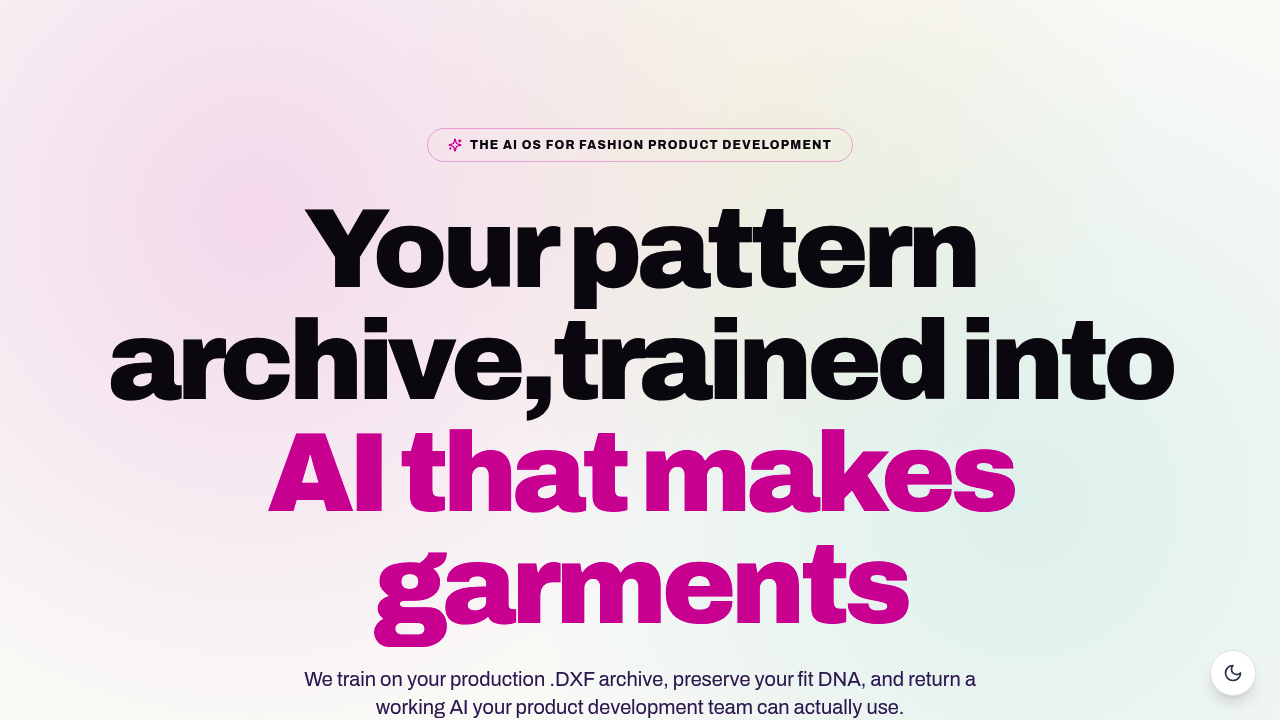
FashionINSTA is a purpose-built AI pattern intelligence platform designed around one premise: making real garments, not just visuals. Its Pattern Intelligence module trains on a brand's production .DXF archive, extracts approximately 750 construction tags per pattern, and returns a custom AI model that preserves the brand's fit DNA.
From that model, designers can instruct the system to make a sleeve longer, move a seam, add gathering, duplicate pieces, or create facings and pockets. Outputs include real .DXF files formatted for Gerber AccuMark (AMMA DXF) and Browzwear VStitcher (V-Stitcher DXF, with symmetric pieces and inner symmetry intact). The platform also includes a BOM Agent, Cost Estimator, Feasibility Analyzer, and Tech Pack Compiler as specialist nodes within a modular workflow graph.
Feasibility and cost estimation accuracy is stated at approximately 80% when connected to correct supplier and construction data. Enterprise deployment uses a dedicated AWS tenant, with SSO, RBAC, audit logs, and IP isolation.
- Pros: Production-ready .DXF outputs; brand-specific training; end-to-end workflow from reference to tech pack; enterprise security controls; opens in CLO3D, Style3D, Tukatech, Lectra, Marvelous Designer, and VStitcher
- Cons: Pattern Intelligence requires a minimum pattern dataset to train; not a 3D simulation tool
- Ideal for: SMEs and enterprise brands producing multiple SKUs per season who need fit consistency and factory-ready assets
Pricing: Fashion Nodes starts free with 150 credits. The Enterprise PoC is €5,000-€15,000 one-time (100-150 patterns trained, 10-week timeline). The Fashion Complete OS is €23,900/year/seat, including API connectivity to PLM, PIM, and DAM systems.
The AI pattern making revolution achieved through this approach is documented at roughly 70% faster than manual methods.
3D visualization: CLO3D, Style3D, Browzwear VStitcher
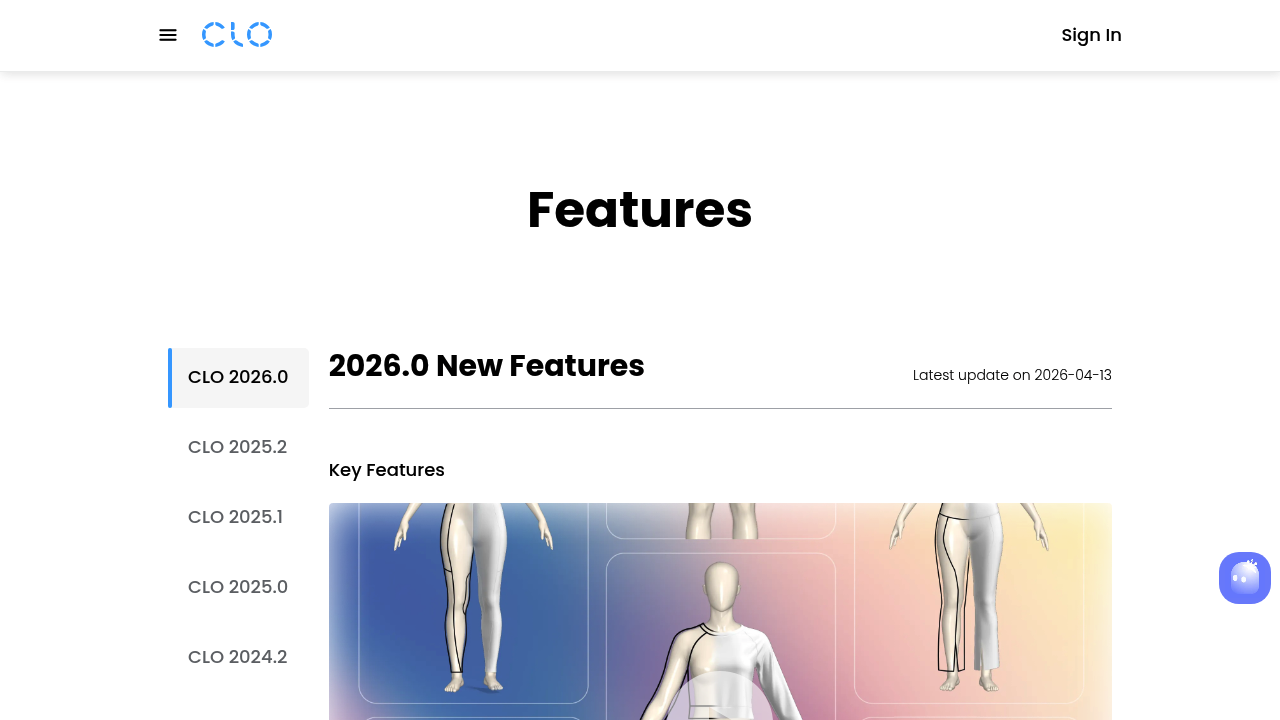
CLO3D (CLO 2026.0) includes a "Sketch on Avatar" feature, an AI-powered Pattern Drafter with Auto POM and Grading, and Fabric-Aware Strain Maps. It's the most widely adopted 3D garment simulation tool and integrates with most downstream CAD and PLM platforms.
- Pros: Accurate drape simulation; large user community; extensive fabric library; strong pattern iteration workflow
- Cons: Requires specialist operators; does not learn brand-specific fit; 3D output is not always factory-ready without additional CAD processing
- Ideal for: Design teams doing virtual sampling and fit review before physical prototyping
Style3D positions itself as an enterprise-grade 3D platform with a modular product story and efficiency-led messaging. It performs similarly to CLO3D in the simulation layer but with stronger enterprise sales infrastructure and a larger customer base in Asian manufacturing markets.
Browzwear VStitcher integrates AI models for fabric simulation and styling and is a recognized industry standard in enterprise brands. It accepts .DXF imports (including those exported by FashionINSTA) and is commonly used in combination with upstream pattern tools. For a direct comparison between CLO3D and FashionINSTA production-ready DXF output, the distinction comes down to what leaves the system.
Sketch-to-visualization: Repsketch, Adobe Firefly
Repsketch is a niche tool focused on fashion flats and technical sketch workflows, with a gallery-driven community and clear step-by-step demos. It's useful for concept direction and presentation but doesn't output production-ready CAD data.
Adobe Firefly positions itself as AI for fashion photography and design, highlighting Text-to-Image and Generative Fill. It's strong for creative direction and marketing asset generation, not for garment construction or tech pack workflows.
- Both tools: Best at ideation stage; neither outputs .DXF patterns or factory-ready documentation
- Ideal for: Indie designers and creative teams doing trend boards, concept visualization, and social content
Trend analytics: Brandwatch
Brandwatch offers AI-assisted fashion trend analysis through its "Ask Iris" chat assistant, processing consumer sentiment and social signals into macro and micro-trend intelligence. It's an enterprise-grade consumer intelligence platform rather than a design tool, but it feeds useful demand signal data into the early stages of collection planning.
- Pros: Real consumer data; AI chat interface for queries; covers fashion trend coverage at scale
- Cons: Does not connect to pattern or production workflows; pricing is enterprise-only
- Ideal for: Merchandising and buying teams at mid-to-large fashion businesses
For more on how AI consumer insights transform fashion product development, the practical integration point is upstream: trend data informs the brief before pattern intelligence takes over.
CAD/CAM production layer: Tukatech, Gerber AccuMark, Optitex
Tukatech's TUKA APM is described as the first fully automatic pattern making and grading software within TUKAcad, capable of generating patterns from a spec sheet including grade rules. It occupies a CAD/CAM production lane rather than an AI-native design workflow.
Gerber AccuMark (now under Lectra) is the dominant legacy CAD system in enterprise pattern rooms. It accepts AMMA DXF exports and handles nesting, marker planning, and fabric utilization. It does not generate patterns from brand archives; it manages patterns once they exist.
Optitex provides 2D/3D CAD/CAM with enterprise-grade simulation and output. Like Gerber, it's a production management layer rather than a generative design tool.
- All three: Strong on marker planning, nesting, grading, and production documentation
- Best combined with: FashionINSTA (upstream pattern generation) feeding into Gerber/Tukatech/Optitex for final production processing
Feature comparison matrix
| Feature | FashionINSTA | CLO3D | Browzwear/VStitcher | Repsketch | Tukatech TUKA APM | Brandwatch |
|---|---|---|---|---|---|---|
| .DXF export (factory-ready) | Yes (AMMA + V-Stitcher) | Partial | Yes | No | Yes | No |
| CAD interoperability | Gerber, Lectra, CLO3D, Style3D, Tukatech, Optitex, VStitcher | Gerber, Lectra, Browzwear | Gerber, CLO3D, Lectra | No | TUKAcad ecosystem | No |
| Brand-specific pattern training | Yes (custom .DXF archive) | No | No | No | No | No |
| Tech pack output | Yes (auto-generated) | Limited | Limited | No | Yes | No |
| Feasibility / costing | Yes (\~80% accuracy) | No | No | No | Partial | No |
| Pricing tier | Free > €23,900/yr/seat (enterprise) | Subscription (contact) | Subscription (contact) | Subscription | Subscription | Enterprise only |
| Best for | Pattern intelligence + production assets | 3D simulation + fit review | 3D + enterprise sampling | Concept flats | CAD/CAM production | Trend intelligence |
Sample workflows: three scenarios
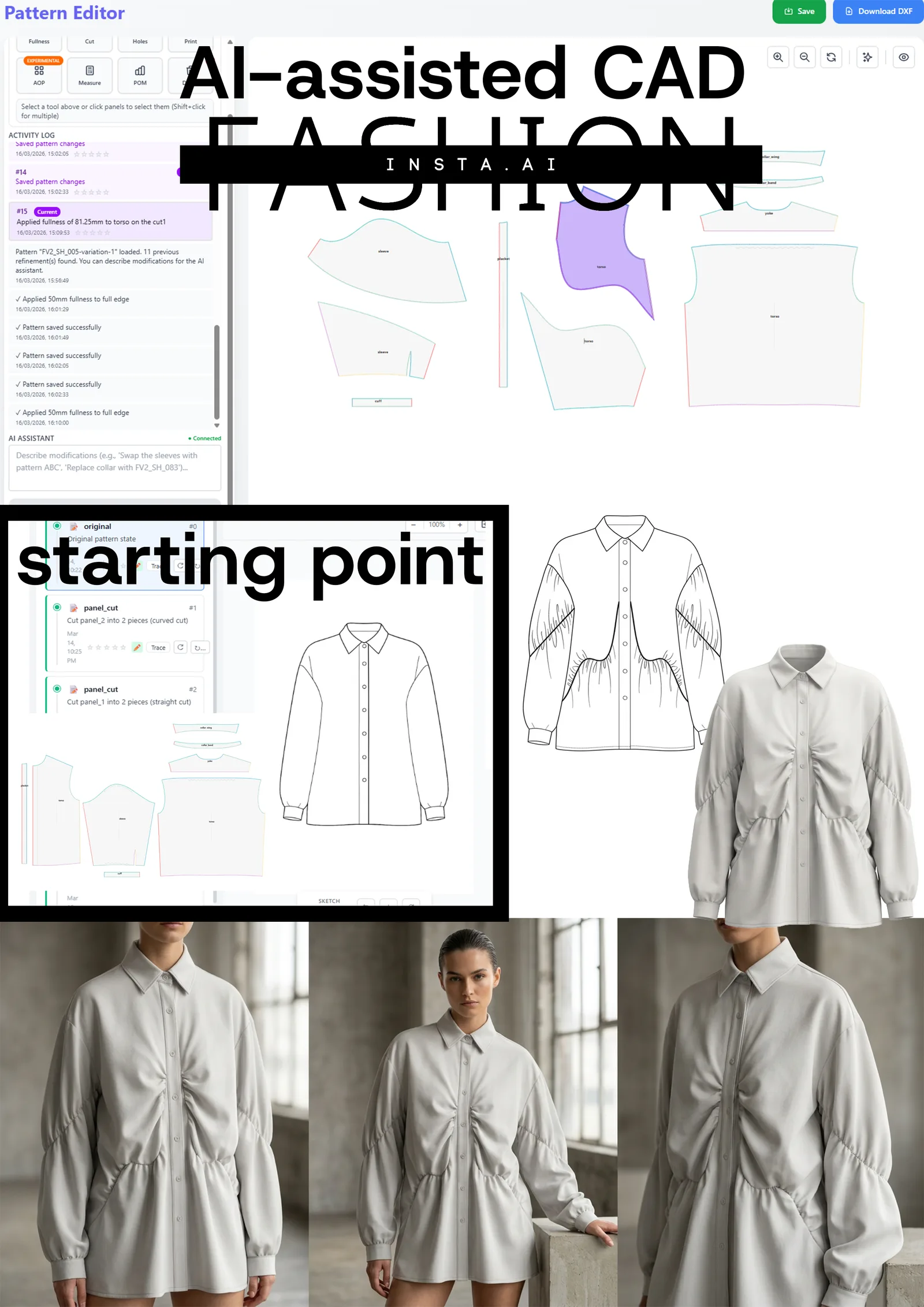
Scenario 1, Reduce first-sample time. A technical design team uploads 120 production .DXF patterns from one product category to FashionINSTA. After a two-week training period, the system can score new pattern requests against the existing archive by geometry, generate graded .DXF outputs for Gerber, and produce a draft tech pack. The team runs a six-week tryout with weekly calibration, reaching a go/no-go decision at week ten. Physical first samples are preceded by virtual iteration in CLO3D, cutting at least one full physical sample round. This is the sketch to sample in days workflow in practice.
Scenario 2, Scale fit consistency across SKUs. An enterprise brand producing 1,000+ SKUs per year trains FashionINSTA's Pattern Intelligence on their validated fit blocks. New designs reference the brand's construction DNA by default, flagging deviations before they reach the sample stage. Fit variation that previously crept in when different pattern makers worked on different categories is systematically reduced.
Scenario 3, Validate feasibility before sampling. Before committing to a physical sample, a product development team runs a new design through FashionINSTA's Feasibility Analyzer and Cost Estimator. Connected to correct fabric and labor data, the platform returns a cost-of-goods estimate and flags construction issues at target price points. Approximately 80% accuracy at this stage is sufficient to eliminate the designs that won't meet margin requirements before any physical material is cut.
Evaluation checklist for choosing AI fashion tools
Before committing to any platform, the following questions clarify which tool actually fits the workflow.
- Output audit. What file types leave the system? .DXF, tech pack, nesting files? Are they formatted for your factory's CAD system, or do they require manual conversion?
- Fit consistency. Does the tool learn from your brand's validated patterns, or does it approximate geometry from generic training data?
- Role fit. Which team members use it: designers, pattern makers, technical designers? Where does it plug into the existing pipeline?
- Interoperability. Verify supported import/export formats against the CAD systems your factory and pattern room actually use. Marketing language and actual file compatibility are not always the same thing.
- Enterprise controls. For brands with IP sensitivity: does the tool offer data isolation, audit logs, SSO, and RBAC?
- Trial scope. Define a KPI before starting a trial. A time-boxed test with a measurable output (e.g., "generate five production-ready .DXF patterns from our archive in six weeks") produces a clear go/no-go signal.
The AI pattern intelligence enterprise revolution becomes measurable when you define those KPIs upfront rather than evaluating on demos alone.
Recommended tool combinations by team maturity
Indie designers: Repsketch or Adobe Firefly for concept visualization → FashionINSTA Fashion Nodes (free tier) for sketch-to-DXF conversion and basic tech pack output. Low cost entry with production-capable outputs from day one.
SME brands (10-100 SKUs/season): FashionINSTA with pattern training on one category → CLO3D for 3D virtual sampling and fit review → export to Gerber AccuMark or Tukatech for final nesting and production documentation. This stack covers concept to production-ready file in a connected workflow. See how traditional vs AI pattern making scales for teams at this size.
Enterprise brands (1,000+ SKUs/year): FashionINSTA Pattern Intelligence (dedicated AWS tenant, SSO/RBAC, PLM/PIM/DAM API integration) → CLO3D or Browzwear VStitcher for 3D visualization and virtual sampling → Gerber AccuMark or Optitex for marker planning, nesting, and manufacturing outputs → Brandwatch upstream for trend and consumer signal data feeding seasonal briefs.
The AI tools worth integrating in 2026 are those that produce something a factory can use. That definition narrows the field considerably, and it's where the genuine productivity gains sit. Tools that stay in the visualization lane have their place in the stack, but they don't solve the brand DNA dilution problem or the first-sample bottleneck. The production-ready layer does.